


Monitored alarm versus self monitoring explained: compare response, cost and control to choose dependable protection for your home or business today.
Remote Monitoring Systems That Put You in Control

A security alert is only useful if it reaches the right person quickly and provides enough information to make a sensible decision. Remote monitoring systems bring CCTV cameras, intruder alarms and door entry together on a phone, tablet or authorised computer, so you can check what is happening at your property whether you are upstairs, at work or away on holiday.
For homeowners, that may mean confirming a delivery has arrived or checking the garden after an alarm notification. For a landlord, office manager or nursery administrator, it can mean reviewing access activity, responding to a fault and retaining a clear record of an incident. The aim is not to watch a screen all day. It is to have reliable coverage and practical control when a situation demands it.
What Remote Monitoring Systems Should Actually Do
The term can cover a wide range of equipment, from a single app-connected camera to a professionally designed system covering multiple buildings. The useful distinction is not the number of devices but the quality of information the system gives you.
A properly specified installation should allow authorised users to view live and recorded CCTV, receive relevant notifications, check whether an alarm is set, and manage access where door entry is included. It should also make everyday use straightforward. If viewing footage requires specialist knowledge, or alerts arrive so often that they are ignored, the system is not delivering the reassurance it should.
At its best, remote monitoring turns a security event into something you can assess. A notification from an intrusion line can prompt you to view the relevant camera. A visitor calling at a Dahua IP video door entry panel can be seen and spoken to through an internal monitor or approved mobile device. That extra context helps you decide whether to take action, contact a keyholder or call the police.
There is a trade-off. More alerts and more cameras do not automatically mean more protection. Poor camera positioning, broad motion settings and unreliable Wi-Fi can create a stream of unhelpful notifications. Good system design focuses on entrances, approaches, vulnerable boundaries and the areas where visibility will make a real difference.
CCTV Remote Monitoring for Clearer Decisions
Remote CCTV viewing is often the starting point for a residential or commercial security upgrade. Modern IP cameras can provide live images, recorded playback and push alerts through an app, giving you coverage in the palm of your hand. However, image quality alone is not the full answer.
A camera should be positioned to identify what matters. A wide view of a driveway may show that someone arrived, but a correctly placed camera at a gate, front door or side passage is more likely to provide useful facial detail, vehicle information or a clear view of how access was gained. The same principle applies to business premises, where rear doors, stock areas, reception points and car parks each require different coverage.
Night-time performance deserves particular attention. Standard black-and-white infrared footage can show movement, but colour images can be more useful when identifying clothing, vehicles or other details. Smart illumination and intrusion-triggered colour night coverage can increase visibility at the moment it matters, without bathing a whole site in constant light.
For some properties, a visible camera and lighting response are strong deterrents. For others, a more discreet approach is appropriate. A free site survey allows those decisions to be made around the building, its risks and how people use it, rather than choosing equipment from a shelf and hoping it fits.
Notifications Need Sensible Configuration
An alert at 2 am may be valuable. Twenty alerts caused by rain, passing traffic or a neighbour’s cat are not. Remote monitoring systems should be configured around zones and likely activity, with detection areas adjusted to reduce avoidable triggers.
This is especially important at commercial sites. A camera facing a public pavement will behave differently to one covering a locked service yard. A busy office entrance needs a different approach from a private rear gate. The installer should test the system after installation and explain how users can review events, adjust authorised settings and contact support if requirements change.
Recording also matters. Live viewing tells you what is happening now; recorded footage helps establish what happened before and after an event. Storage requirements depend on the number of cameras, recording quality, activity levels and how long footage needs to be retained. A small home may need a very different retention period from a managed block or nursery. There is no benefit in paying for excessive storage, but insufficient retention can leave you without evidence when you need it.
Linking Alarms, Access and Video
The strongest security arrangements do not treat CCTV, alarms and entry control as isolated products. They give each part a clear role.
An Ajax wireless alarm system, for example, can provide prompt notification when a protected door, window or internal area is disturbed. CCTV provides the visual verification that helps a keyholder understand the alert. Door entry manages who is allowed through the front entrance in the first place. Together, they create a more accountable response than relying on any single device.
For flats, offices, nurseries and other multi-occupancy environments, IP video door entry is particularly valuable. Dahua systems can support keypad, card and fob credentials alongside video calling, giving administrators several ways to control access. POE-connected 7-inch Android monitors provide a practical internal point for receiving calls and viewing visitors, while network connectivity supports wider management where appropriate.
The right credential method depends on the building. A keypad can be convenient for a small team but requires codes to be changed when staff leave. Cards and fobs create clearer individual accountability, though lost credentials must be removed promptly. In higher-turnover environments, it may be sensible to use a combination of methods rather than relying on a shared code.
Remote access should not weaken security. User accounts need to be controlled, passwords should be strong and unique, and permissions should reflect responsibilities. A facilities manager may require full access to several systems, while a resident, receptionist or temporary staff member may only need limited functions. Removing former users is as important as adding new ones.
The Infrastructure Behind Reliable Remote Access
Remote viewing depends on more than the camera or alarm panel. The condition of the network, the placement of equipment and the way power is supplied all affect performance.
Where practical, wired connections offer dependable communication for fixed cameras and door entry equipment. Power over Ethernet, commonly known as POE, allows power and data to run through one suitable cable, reducing the need for separate local power supplies. This is one reason POE-connected door monitors and IP devices can be a sensible choice for managed installations.
Wi-Fi has a place, particularly where cabling is difficult or where a wireless alarm system is the most appropriate solution. But signal strength must be checked where devices will actually operate, not just beside the router. Thick walls, metal structures, distance and competing networks can affect reliability. A professional survey identifies these constraints before installation, when they are easier and less costly to address.
Internet outages are another consideration. Remote access will be limited if the broadband connection fails, but local recording should continue where the system is designed to do so. Alarm communication options and backup arrangements should be discussed according to the level of risk. A detached home, a retail unit holding valuable stock and a nursery entrusted with children’s safety do not require identical contingency plans.
Choosing the Right Level of Monitoring
There is a difference between remote self-monitoring and a monitored response service. With self-monitoring, approved users receive notifications and check the system themselves. This can be an effective, cost-conscious solution when there are reliable keyholders who understand what to do.
A monitored service can provide an additional layer of response, but it comes with ongoing costs and may be more appropriate for higher-risk sites or properties that are regularly unoccupied. The right choice depends on the building, the consequences of an incident, insurance requirements and the availability of responsible people.
What should not be compromised is the quality of the installation and handover. Users need to know how to arm and disarm an alarm, answer a door call, find recorded footage and distinguish a genuine alert from a minor issue. They should also know who to contact when equipment needs attention. Security is a long-term service, not a box of equipment fitted on one day and forgotten.
NRI Security approaches each installation through a site survey and no-obligation quotation, specifying only the equipment that suits the property and its use. That consultative approach is particularly valuable when CCTV, alarms, door entry and signal distribution need to work around an existing building rather than an idealised plan.
A well-planned remote system should make a property feel easier to manage, not more complicated. Start with the moments that concern you most: an unattended entrance, a vulnerable boundary, an out-of-hours alarm or uncertainty about who has entered the building. From there, the right combination of visibility, controlled access and professional support can put every situation within reach.

Is CCTV Legal at Home in the UK?
Is CCTV legal at home UK? Yes, usually – but camera position, audio, neighbours and recorded footage all affect whether your setup stays lawful.

Wired Alarms vs Ajax Wireless
Wired alarms vs Ajax wireless – compare reliability, disruption, cost and control to choose the right alarm system for your home or business.

A Maintenance Plan for CCTV Cameras That Works
A maintenance plan for CCTV cameras keeps footage clear, alerts reliable and your property protected through every season, without unnecessary call-outs.

CCTV Cameras Versus Video Doorbells Compared
CCTV cameras versus video doorbells: compare coverage, deterrence and installation to choose dependable protection for your home or business premises.

Best Security Cameras for Shared Entrances
Find the best security cameras for shared entrances, with practical advice on privacy, image quality, access control and proper installation.

How to Choose CCTV Installers Near You
Searching for professional cctv installers near me? Learn what to look for, what to avoid, and how to choose a system that fits your property.
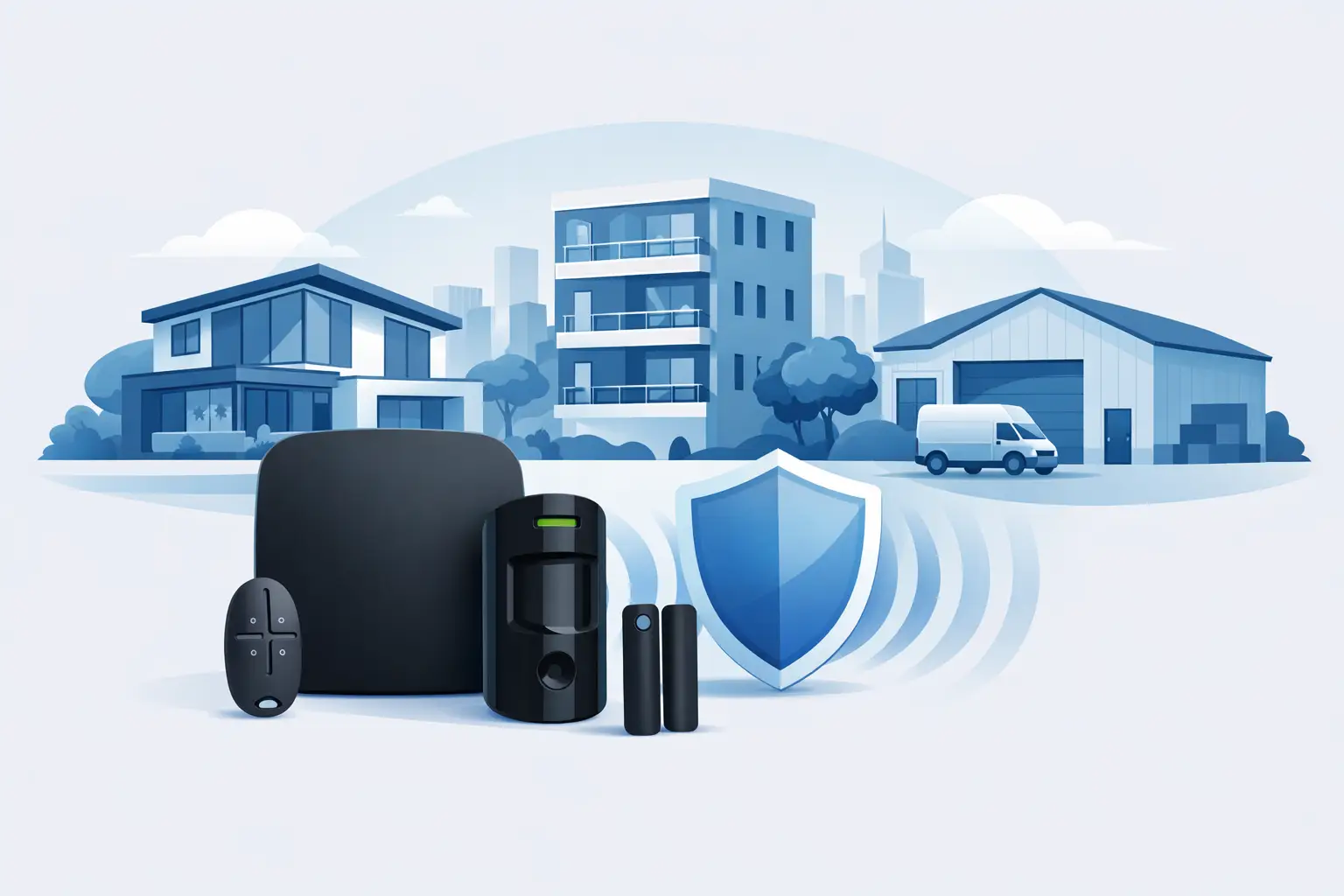
Ajax Alarms: Protection That Fits Your Property
Ajax alarms give homes and businesses reliable intrusion detection, instant alerts and simple control. See how professional design makes protection count.

CCTV Recording Retention Period UK Explained
Understand the CCTV recording retention period UK organisations should set, balancing security evidence, storage capacity and UK data protection duties.

Smart Home Security Installation Done Right
Smart home security installation works best when cameras, alarms and entry systems are designed properly, fitted well and supported after handover.

CCTV Installation for Small Retail Shops
CCTV installation for small retail shops helps deter theft, protect staff and improve visibility. Get the right system, layout and support.
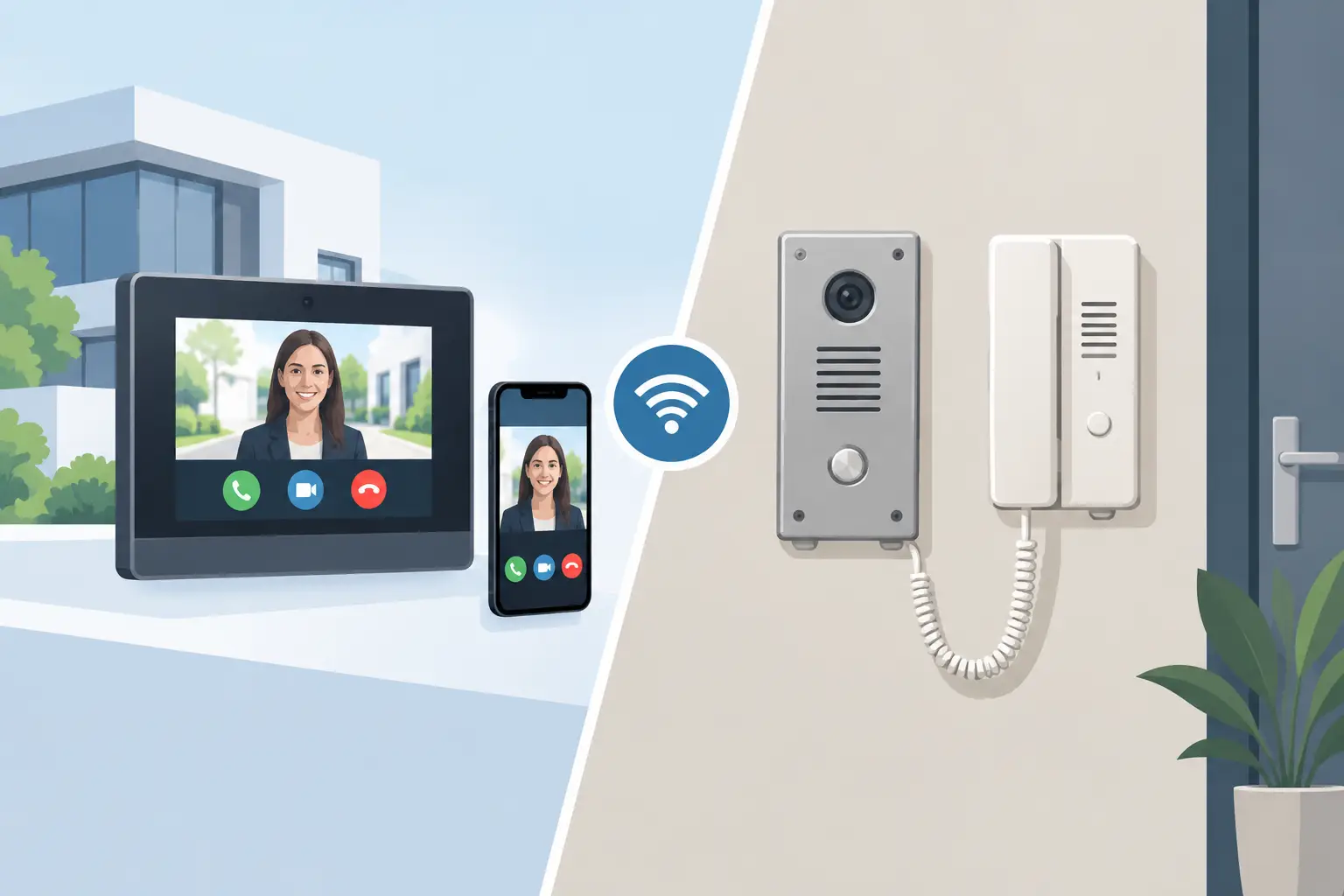
IP Intercom vs Analogue Intercom: Which Fits?
Compare IP intercom vs analogue intercom systems for homes, flats and businesses. Understand wiring, remote access, costs and the right fit for your site.
Remote Monitoring Systems That Put You in Control
A security alert is only useful if it reaches the right person quickly and provides enough information to make a sensible decision. Remote monitoring systems bring CCTV cameras, intruder alarms and door entry together on a phone, tablet or authorised computer, so you can check what is happening at your property whether you are upstairs, at work or away on holiday.
For homeowners, that may mean confirming a delivery has arrived or checking the garden after an alarm notification. For a landlord, office manager or nursery administrator, it can mean reviewing access activity, responding to a fault and retaining a clear record of an incident. The aim is not to watch a screen all day. It is to have reliable coverage and practical control when a situation demands it.
What Remote Monitoring Systems Should Actually Do
The term can cover a wide range of equipment, from a single app-connected camera to a professionally designed system covering multiple buildings. The useful distinction is not the number of devices but the quality of information the system gives you.
A properly specified installation should allow authorised users to view live and recorded CCTV, receive relevant notifications, check whether an alarm is set, and manage access where door entry is included. It should also make everyday use straightforward. If viewing footage requires specialist knowledge, or alerts arrive so often that they are ignored, the system is not delivering the reassurance it should.
At its best, remote monitoring turns a security event into something you can assess. A notification from an intrusion line can prompt you to view the relevant camera. A visitor calling at a Dahua IP video door entry panel can be seen and spoken to through an internal monitor or approved mobile device. That extra context helps you decide whether to take action, contact a keyholder or call the police.
There is a trade-off. More alerts and more cameras do not automatically mean more protection. Poor camera positioning, broad motion settings and unreliable Wi-Fi can create a stream of unhelpful notifications. Good system design focuses on entrances, approaches, vulnerable boundaries and the areas where visibility will make a real difference.
CCTV Remote Monitoring for Clearer Decisions
Remote CCTV viewing is often the starting point for a residential or commercial security upgrade. Modern IP cameras can provide live images, recorded playback and push alerts through an app, giving you coverage in the palm of your hand. However, image quality alone is not the full answer.
A camera should be positioned to identify what matters. A wide view of a driveway may show that someone arrived, but a correctly placed camera at a gate, front door or side passage is more likely to provide useful facial detail, vehicle information or a clear view of how access was gained. The same principle applies to business premises, where rear doors, stock areas, reception points and car parks each require different coverage.
Night-time performance deserves particular attention. Standard black-and-white infrared footage can show movement, but colour images can be more useful when identifying clothing, vehicles or other details. Smart illumination and intrusion-triggered colour night coverage can increase visibility at the moment it matters, without bathing a whole site in constant light.
For some properties, a visible camera and lighting response are strong deterrents. For others, a more discreet approach is appropriate. A free site survey allows those decisions to be made around the building, its risks and how people use it, rather than choosing equipment from a shelf and hoping it fits.
Notifications Need Sensible Configuration
An alert at 2 am may be valuable. Twenty alerts caused by rain, passing traffic or a neighbour’s cat are not. Remote monitoring systems should be configured around zones and likely activity, with detection areas adjusted to reduce avoidable triggers.
This is especially important at commercial sites. A camera facing a public pavement will behave differently to one covering a locked service yard. A busy office entrance needs a different approach from a private rear gate. The installer should test the system after installation and explain how users can review events, adjust authorised settings and contact support if requirements change.
Recording also matters. Live viewing tells you what is happening now; recorded footage helps establish what happened before and after an event. Storage requirements depend on the number of cameras, recording quality, activity levels and how long footage needs to be retained. A small home may need a very different retention period from a managed block or nursery. There is no benefit in paying for excessive storage, but insufficient retention can leave you without evidence when you need it.
Linking Alarms, Access and Video
The strongest security arrangements do not treat CCTV, alarms and entry control as isolated products. They give each part a clear role.
An Ajax wireless alarm system, for example, can provide prompt notification when a protected door, window or internal area is disturbed. CCTV provides the visual verification that helps a keyholder understand the alert. Door entry manages who is allowed through the front entrance in the first place. Together, they create a more accountable response than relying on any single device.
For flats, offices, nurseries and other multi-occupancy environments, IP video door entry is particularly valuable. Dahua systems can support keypad, card and fob credentials alongside video calling, giving administrators several ways to control access. POE-connected 7-inch Android monitors provide a practical internal point for receiving calls and viewing visitors, while network connectivity supports wider management where appropriate.
The right credential method depends on the building. A keypad can be convenient for a small team but requires codes to be changed when staff leave. Cards and fobs create clearer individual accountability, though lost credentials must be removed promptly. In higher-turnover environments, it may be sensible to use a combination of methods rather than relying on a shared code.
Remote access should not weaken security. User accounts need to be controlled, passwords should be strong and unique, and permissions should reflect responsibilities. A facilities manager may require full access to several systems, while a resident, receptionist or temporary staff member may only need limited functions. Removing former users is as important as adding new ones.
The Infrastructure Behind Reliable Remote Access
Remote viewing depends on more than the camera or alarm panel. The condition of the network, the placement of equipment and the way power is supplied all affect performance.
Where practical, wired connections offer dependable communication for fixed cameras and door entry equipment. Power over Ethernet, commonly known as POE, allows power and data to run through one suitable cable, reducing the need for separate local power supplies. This is one reason POE-connected door monitors and IP devices can be a sensible choice for managed installations.
Wi-Fi has a place, particularly where cabling is difficult or where a wireless alarm system is the most appropriate solution. But signal strength must be checked where devices will actually operate, not just beside the router. Thick walls, metal structures, distance and competing networks can affect reliability. A professional survey identifies these constraints before installation, when they are easier and less costly to address.
Internet outages are another consideration. Remote access will be limited if the broadband connection fails, but local recording should continue where the system is designed to do so. Alarm communication options and backup arrangements should be discussed according to the level of risk. A detached home, a retail unit holding valuable stock and a nursery entrusted with children’s safety do not require identical contingency plans.
Choosing the Right Level of Monitoring
There is a difference between remote self-monitoring and a monitored response service. With self-monitoring, approved users receive notifications and check the system themselves. This can be an effective, cost-conscious solution when there are reliable keyholders who understand what to do.
A monitored service can provide an additional layer of response, but it comes with ongoing costs and may be more appropriate for higher-risk sites or properties that are regularly unoccupied. The right choice depends on the building, the consequences of an incident, insurance requirements and the availability of responsible people.
What should not be compromised is the quality of the installation and handover. Users need to know how to arm and disarm an alarm, answer a door call, find recorded footage and distinguish a genuine alert from a minor issue. They should also know who to contact when equipment needs attention. Security is a long-term service, not a box of equipment fitted on one day and forgotten.
NRI Security approaches each installation through a site survey and no-obligation quotation, specifying only the equipment that suits the property and its use. That consultative approach is particularly valuable when CCTV, alarms, door entry and signal distribution need to work around an existing building rather than an idealised plan.
A well-planned remote system should make a property feel easier to manage, not more complicated. Start with the moments that concern you most: an unattended entrance, a vulnerable boundary, an out-of-hours alarm or uncertainty about who has entered the building. From there, the right combination of visibility, controlled access and professional support can put every situation within reach.
Similar Posts

Monitored Alarm Versus Self Monitoring Compared
Monitored alarm versus self monitoring explained: compare response, cost and control to choose dependable protection for your home or business today.

Best Access Control for Nurseries
Find the best access control for nurseries with practical advice on door entry, credentials, safeguarding, CCTV integration and daily usability.

Card Access Versus Mobile Access: Which Fits?
Compare card access versus mobile access for homes, flats and offices. See the security, cost and management factors shaping the right choice for all.

NVR vs DVR CCTV Recorders: Which Is Best?
Compare NVR vs DVR CCTV recorders for homes and businesses. Learn how cameras, cabling, remote viewing, costs and image quality shape the right choice.

Best CCTV for Night Vision: What Works
Choosing the best cctv for night vision? Learn what actually improves night footage: sensors, lighting, placement, and pro setup for real clarity.
CCTV Recording Retention Period UK Explained
Understand the CCTV recording retention period UK organisations should set, balancing security evidence, storage capacity and UK data protection duties.

Business Access Control Guide for Safer Sites
A practical business access control guide for offices, flats and managed sites. Learn what to choose, how systems work and what really matters.
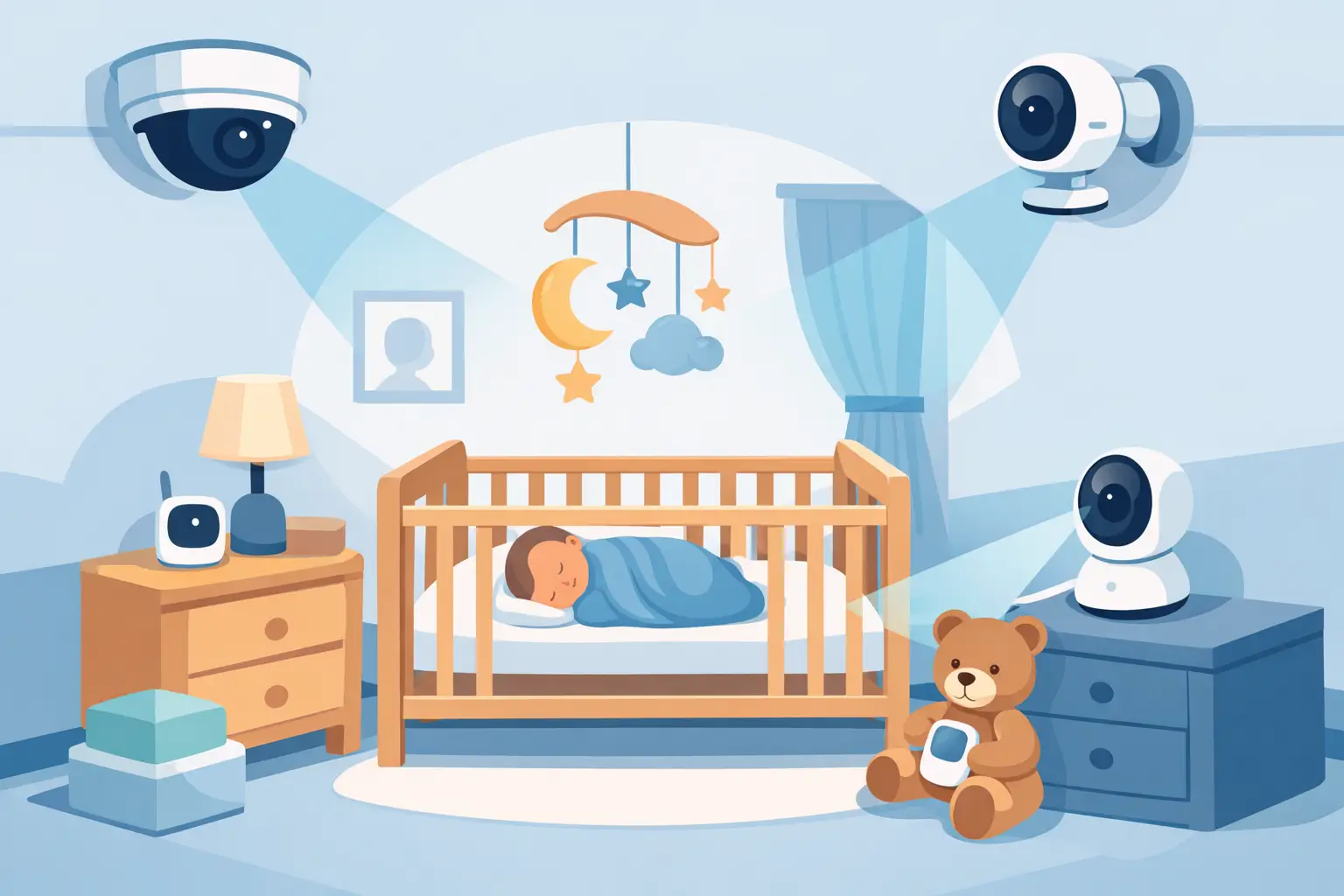
Best Security Cameras for Nurseries That Protect
Choose the best security cameras for nurseries with clear guidance on coverage, privacy, night vision, access control and professional installation support.

Why Fully Insured Security Installers Matter
Choosing fully insured security installers protects your property, budget and liability while ensuring CCTV, alarms and access control are fitted properly.

Keypad Fob Card Access Control Explained
Keypad fob card access control gives homes and businesses safer entry, better tracking and simpler daily use when specified and installed properly.

Guide to Securing Office Reception Entrances
Practical guide to securing office reception entrances with CCTV, access control and layout tips that improve safety, visibility and control.

Cloud vs NVR CCTV Storage: Which Fits?
Compare cloud vs nvr cctv storage for homes and businesses. Learn the real trade-offs on cost, access, reliability and control.