


Aftercare support for CCTV keeps footage clear, apps working and coverage reliable long after installation – for homes and businesses.
Card Access Versus Mobile Access: Which Fits?

A lost access card at a nursery, office or managed block is more than a minor inconvenience. Someone must know whether it has been recovered, cancel it quickly if it has not, and make sure the right people can still enter the building. That is why card access versus mobile access is a practical decision about control, accountability and daily reliability – not simply a choice between old and new technology.
For many properties, the best answer is not one credential replacing the other. A professionally specified access control system can support cards, fobs, PIN codes and mobile credentials, giving residents, staff and visitors an appropriate way to gain entry while the person responsible for the building keeps control.
Card access versus mobile access: the practical differences
Card access uses a physical credential, usually a proximity card or key fob, presented to a reader at the door. The reader checks that credential against the permissions stored in the access control system and releases the lock if it is authorised. It is familiar, quick to use and does not depend on the user owning a particular type of phone.
Mobile access turns a smartphone into the credential. Depending on the chosen system, the phone communicates with the reader through technologies such as NFC or Bluetooth. Permissions can be issued, amended or removed through the management platform, rather than by handing over a physical card.
Both methods can be used with a properly designed door entry and access control installation. The meaningful differences sit in administration, user behaviour, resilience and cost over the life of the system.
Why physical cards and fobs remain a dependable option
A card is uncomplicated. A new member of staff, a resident, a contractor or a cleaner can understand it immediately: present the card or fob to the reader and the door opens. There is no app to install, no device settings to check and no concern about phone battery life at the entrance.
This simplicity matters in buildings with a varied user base. In a residential block, for example, not every resident will want to use a smartphone as a key. In a nursery, short-term staff and approved visitors may need access without being added to a mobile credential platform. Physical credentials are also useful for people who are not permitted to carry a phone during their shift.
Cards and fobs are inexpensive to replace individually, and they can be deactivated as soon as they are reported missing. Where the system records events, a facilities manager can also see which credential was used at a particular door and time. That creates a clear audit trail, provided credentials are assigned to named users rather than shared between several people.
The trade-off is administration. Cards have to be ordered, encoded, handed out and collected back. If the building has frequent staff turnover or many temporary users, those small tasks can accumulate. A physical card can also be lent to someone else, so a record will show the credential entering rather than necessarily the named person.
Where mobile access earns its place
Mobile access is particularly useful where permissions change often. A manager can issue credentials remotely to a new starter, set an expiry for a contractor, or withdraw access when employment or a tenancy ends. There is no need to arrange collection of a card before someone can enter the building.
For office managers and landlords overseeing several doors, this can reduce administration significantly. Permissions can be tailored by door, time and user group. A tenant may have access to the communal entrance and their own area, while a maintenance contractor receives access only to relevant doors during agreed hours.
Many users also appreciate carrying one less item. Their phone is already in their hand or pocket, and some mobile credentials can work without opening an app. When the platform and reader support it, mobile access can provide a very convenient experience at a busy entrance.
Convenience, however, should not be mistaken for a complete security strategy. Phones run out of charge, are upgraded, lost or left at home. A user may change their number, reset their device, or decline to install a work-related app on a personal phone. Building managers also need a clear process for revoking the credential promptly if a handset goes missing. Mobile access works best when those situations have been considered before the system goes live.
Security is about the system around the credential
Neither a card nor a phone automatically makes a building more secure. The reader, controller, lock, door condition, cabling, management software and installation standards all affect the result. A secure credential attached to a poorly maintained door, for example, will not prevent unauthorised entry.
The strongest approach is to give each person their own credential, remove access promptly when circumstances change, and review permissions regularly. Shared fobs, generic PINs and doors left on free access undermine accountability whichever technology is chosen.
For higher-risk entrances, access control should be considered alongside video door entry and CCTV coverage. A Dahua IP video door entry system can allow an occupant or receptionist to identify a visitor before granting access, while a suitably positioned camera can help investigate an incident at the entrance. That is particularly valuable for offices, multi-occupancy buildings and sites where safeguarding is a priority.
A PIN keypad can provide another option, but it needs sensible management. Codes can be observed, passed on or remain unchanged for too long. Used alongside a card, fob or mobile credential, it may provide an extra check; used alone, it offers less certainty about who entered.
Cost, management and user needs
The initial cost of physical access is usually easy to understand: readers, controllers, cards or fobs, programming and installation. Mobile access may reduce the number of physical credentials required, but it can involve compatible readers, platform licensing or ongoing management costs. The right comparison should cover the full ownership period, not only the first invoice.
Consider how many people need access and how frequently that list changes. A homeowner with a side gate, garden office or outbuilding may prefer a few reliable fobs, perhaps with a keypad for selected visitors. A small business that regularly recruits staff or uses outside contractors may benefit more from mobile credentials that can be issued and cancelled without a site visit.
Managed flats often need both. Residents may use cards, fobs or phones according to preference, while a property manager retains controlled credentials for maintenance teams and emergency access. A mixed setup also gives the building a sensible fallback when a resident’s phone is unavailable.
It is worth asking a few direct questions before choosing. Will every user have a compatible smartphone? Who will approve and remove access? Does the site need timed permissions for cleaners or contractors? Is there a reliable fallback for a dead phone, a forgotten fob or a damaged credential? Clear answers will normally point to the best arrangement.
Choose a system that can adapt
Access needs rarely stay fixed. A business grows, a block changes managing agent, or a homeowner adds a gate, office or separate entrance. Selecting a system with the capacity to add users, doors and credential types avoids an unnecessary replacement later.
Installation quality is equally important. Readers should be positioned where they are protected from weather and easy to use, locks must be appropriate for the door and fire safety requirements, and networked equipment should be configured securely. For IP door entry, POE-connected monitors and properly planned cabling can provide dependable communications without cluttering the property with separate power supplies.
A site survey should examine the doors, user groups, visitor arrangements, existing infrastructure and the level of control required. NRI Security uses that practical information to recommend a right-fit installation rather than pushing a single credential type into every property.
The most reassuring access system is the one people can use correctly every day, while the person responsible for the building can change permissions without delay. Keep a reliable fallback, assign credentials to individuals and choose the option that matches how your property actually operates.
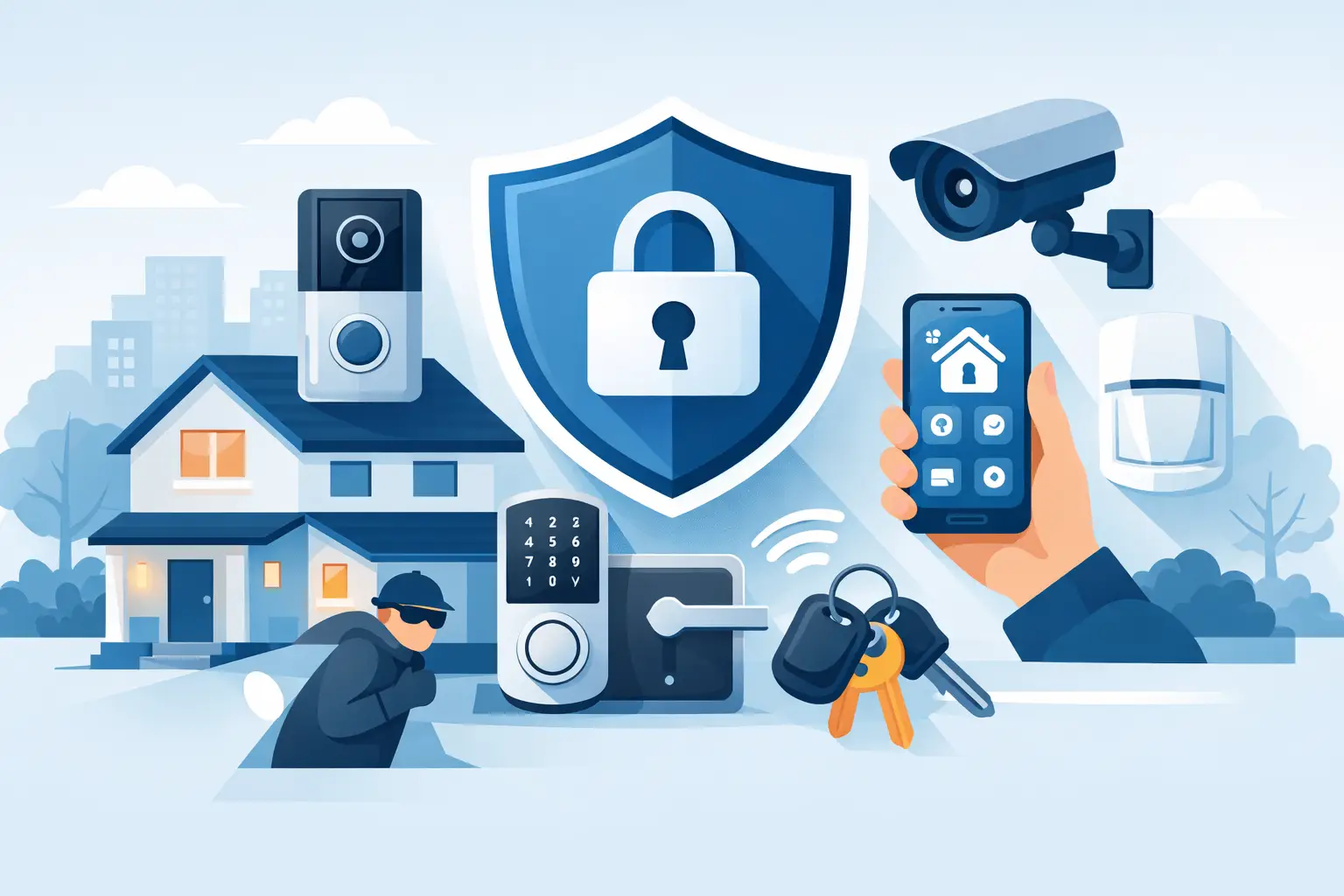
Best Security Upgrades for Landlords That Work
Choose the best security upgrades for landlords, from CCTV and controlled entry to smart lighting, with clear advice on coverage, compliance and support.

CCTV Installation Cost in the UK: Real Budgets
Wondering how much does cctv installation cost uk? See realistic UK price ranges, what drives cost, and how to budget for a reliable system.

NVR vs DVR CCTV Recorders: Which Is Best?
Compare NVR vs DVR CCTV recorders for homes and businesses. Learn how cameras, cabling, remote viewing, costs and image quality shape the right choice.

The Future of Smart Perimeter Detection UK
The future of smart perimeter detection helps UK owners plan cameras, lighting and alerts for clearer evidence, faster action and safer sites at night.
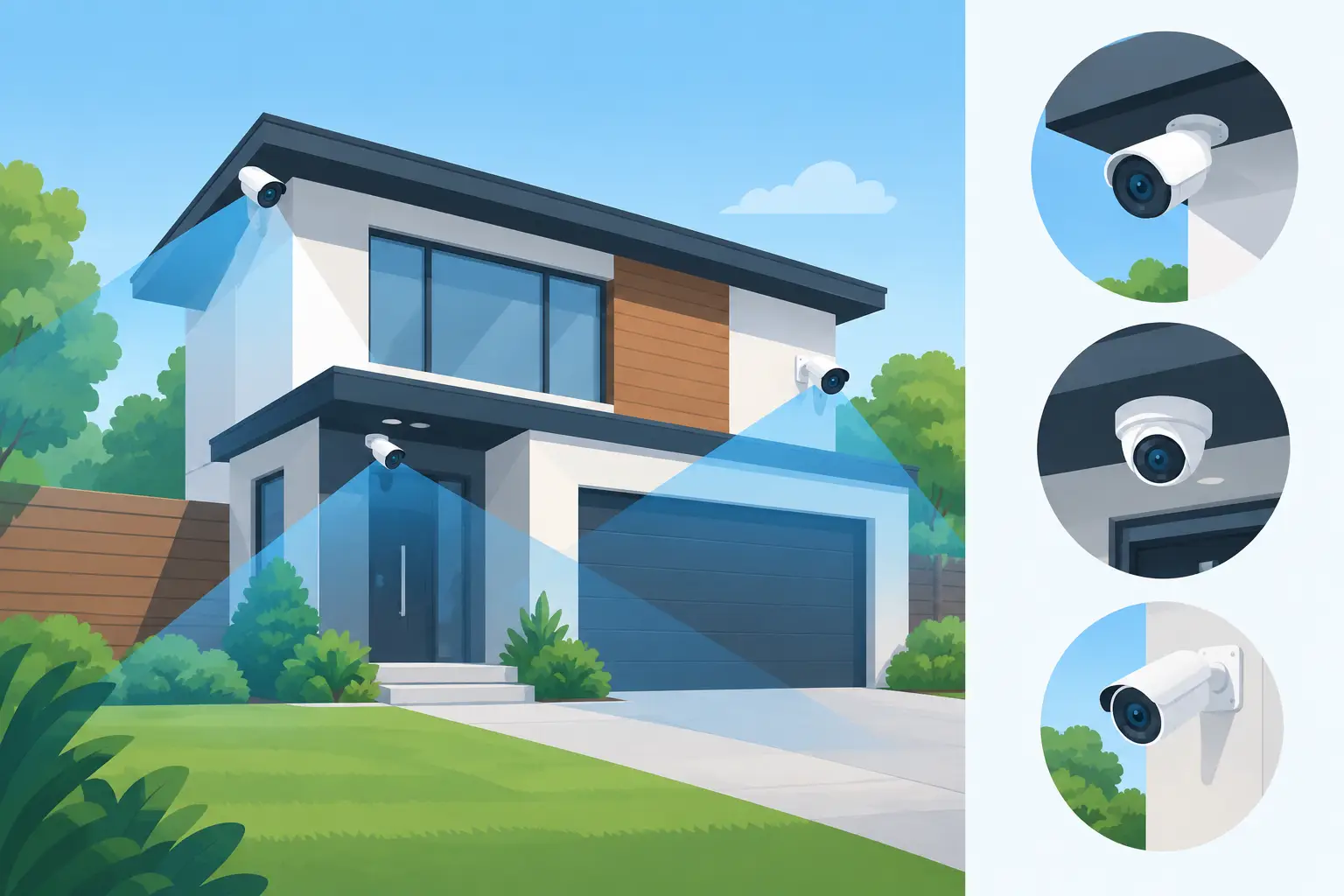
How to Position Security Cameras Properly
Learn how to position security cameras for clear evidence, safer access points and dependable night coverage at home or your business property every day.

How to Set CCTV Motion Zones Correctly
Learn how to set CCTV motion zones correctly to cut false alerts, improve coverage and make sure your cameras catch the movement that matters.
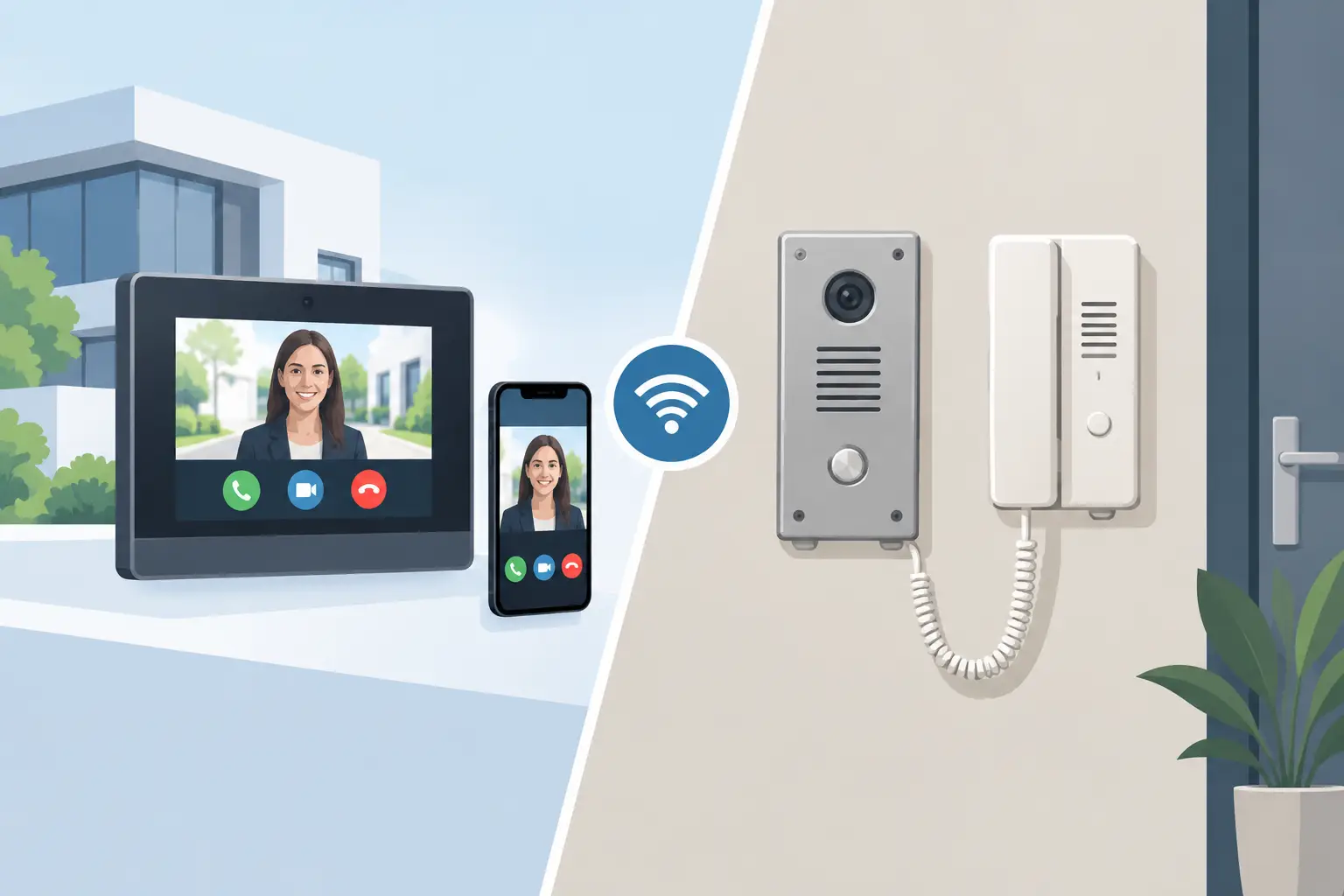
IP Intercom vs Analogue Intercom: Which Fits?
Compare IP intercom vs analogue intercom systems for homes, flats and businesses. Understand wiring, remote access, costs and the right fit for your site.

Guide to Door Entry for Multi Tenant Buildings
Practical guide to door entry for multi tenant buildings – compare systems, credentials, monitoring and installation choices for safer access.

CCTV Installer Chorley: What Good Looks Like
Choosing a cctv installer chorley? Learn what a proper survey covers, the kit that matters, and how to avoid poor night footage and weak deterrence.

What Happens During a Security Survey Visit?
Find out what happens during a security survey, from identifying weak points to choosing CCTV, access control and alarms suited to your property needs.

Colour Night Vision CCTV Cameras: Worth It?
Colour night vision CCTV cameras capture clearer detail after dark, helping you identify people and vehicles. Learn how they work and where they fit.