


Perimeter security cameras for rear garden spaces improve deterrence, colour night coverage and control with smarter placement and setup.
Ajax Alarms: Protection That Fits Your Property
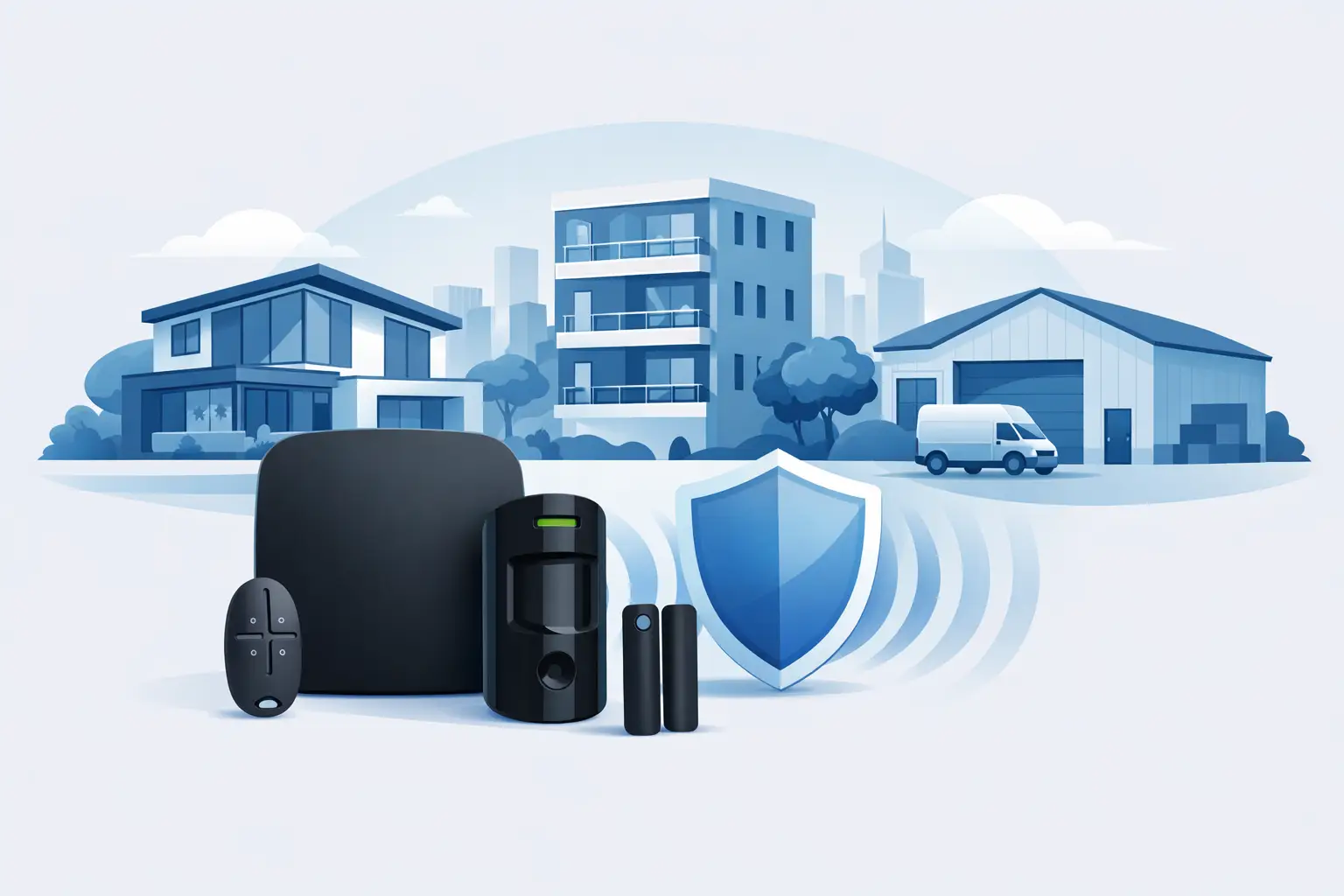
A front door sensor alone does not protect a property. Neither does an app full of notifications that nobody can confidently interpret. Ajax alarms are designed to give homeowners and business operators clear warning of a genuine intrusion, with detection positioned around the way people actually enter, move through and use a building.
For a family home, that may mean protecting the primary entry routes while allowing pets and normal household activity. For an office, nursery, managed block or small retail premises, it may mean separating staff areas, protecting stock or equipment, and ensuring the right people receive alerts. The alarm is only as effective as the plan behind it.
What Ajax alarms do differently
Ajax is a modern wireless alarm ecosystem built around a central hub, security detectors and straightforward control through keypads, fobs, tags and a mobile app. Rather than relying on a single siren or one motion detector in a hallway, the system can be designed as a set of protected zones that report back to the hub.
When a detector is triggered, the system can activate internal and external sirens and send notifications to authorised users. Depending on the devices selected and the setup required, it can also support visual verification through compatible cameras or motion detectors with cameras. This gives a property owner more useful information than an alarm sound alone, helping them decide whether an event needs immediate action.
Wireless installation is a major benefit where running new cables would disrupt finished décor, historic features or an occupied workplace. It does not mean placement can be treated casually. Signal strength, detector coverage, building materials, likely entry points and everyday routines still need to be assessed properly. A well-fitted wireless alarm should feel simple to operate because the detailed thinking was done before it was installed.
Detection built around real risks
A typical Ajax system may include door and window contacts, indoor motion detectors, glass-break detection, smoke and heat protection, flood sensors and panic buttons. The right combination depends on the property, not on a standard package.
For example, a ground-floor flat with accessible rear windows may benefit from perimeter detection that raises an alert before an intruder reaches the main living space. A detached home might need coverage for a side gate, garage or garden-facing doors. In a commercial setting, the priority could be a rear delivery entrance, a server cupboard, expensive tools or an area that must remain restricted outside working hours.
It is equally important to consider what should not cause an alarm. Pet-friendly motion detection, sensible zone settings and clear user permissions can reduce avoidable activations. Security should create reassurance, not make a building awkward to live or work in.
Choosing the right Ajax alarm design
The starting point is a site survey. A professional installer should walk the property, ask how it is used and identify both obvious and less obvious vulnerabilities. A side passage, a poorly visible rear door or an internal access route from an attached garage can matter just as much as the front entrance.
The survey should also establish who needs control of the system. A homeowner may want two adults to receive notifications and a simple fob for a trusted family member. A facilities manager may need named users, separate access levels and an audit trail of arming and disarming activity. Landlords and block managers may require shared areas to be protected without giving every resident control over the whole system.
This is where professional advice prevents unnecessary spending. More detectors are not automatically better. A large open-plan office may be covered effectively with carefully selected devices, while an awkwardly divided property may require more individual zones to avoid blind spots. The aim is proportionate protection with clear operation.
The hub matters as much as the detector
The hub is the control point of an Ajax alarm system. It communicates with the devices, manages user access and delivers alarm events to the people responsible for the property. Its location needs to balance good communication with security and practical access.
Power and communication resilience should be considered during design. A system that depends on one connection should be discussed honestly, particularly for premises left empty overnight or during holidays. The appropriate configuration will depend on the risks, available services and whether monitoring is required.
For many properties, app control is one of the most useful features. Users can check whether the system is armed, receive event alerts and operate permitted areas without needing to be on site. That convenience must be managed sensibly: user accounts should be individual, permissions should be reviewed when staff leave, and phones should be protected with proper screen locks.
Alarm systems work best alongside CCTV and access control
An alarm tells you that something has happened. CCTV can show what happened, where and when. Used together, they give a stronger basis for action than either system operating in isolation.
For a home, an intrusion alert paired with colour night coverage around the driveway or rear garden can help identify activity at the point it matters. For a business, cameras can help a keyholder or manager assess whether an out-of-hours alert is linked to a delivery, a staff member, wildlife or a genuine security concern. Camera positioning and lighting should be planned with the alarm zones, rather than added as separate afterthoughts.
Access control also has a place in the wider picture. A multi-occupancy building or office may use IP video door entry to manage who comes through the front entrance, while the alarm protects areas that should be empty or restricted. These systems have different jobs, but a coordinated design gives the property owner better control from arrival through to after-hours protection.
Everyday use should be straightforward
The best security system is one that people use consistently. That means deciding early how the property will be armed at night, when everyone leaves, or when only part of the building is occupied. Part-setting can be particularly useful in homes, allowing perimeter protection while people move freely inside.
Commercial users should agree a simple routine for opening and closing. Staff need to know who is authorised to set and unset the system, what to do if an alert occurs and how to report a fault. A rushed handover or a shared code written near a keypad weakens even the most capable equipment.
Regular testing is sensible. Check that keyholders still receive alerts, replace batteries when the system reports they are approaching the end of their service life, and update user permissions promptly. If building layouts change, new doors are fitted or a stock room becomes an office, the alarm layout may need reviewing too.
Avoiding common mistakes
The most common mistake is buying a system based only on the number of devices in a box. Security is not a competition to collect sensors. It is about covering the routes and spaces that create real exposure.
Another is treating installation as the end of the service. An alarm needs correct configuration, user instruction and support when a property changes hands, staff changes or new routines emerge. Professional installation should include explaining how the system works in plain language, not leaving the customer to learn it during an alarm event.
There is also a balance between deterrence and discretion. External sounders can make the building visibly protected, while carefully placed internal devices protect the layout without clutter. The right approach depends on the property, its location and how visible you want the security measures to be.
A considered installation gives you control
Ajax alarms offer a flexible route to modern intrusion protection, but the equipment should follow the risk assessment, not lead it. At NRI Security, the focus is on specifying a system that fits the property and the people responsible for it, supported by a free site survey, clear quotation and after-sales help.
Before choosing any alarm, walk through a normal day and an empty night at the property. Identify who enters, which routes are vulnerable, what must remain protected and who needs to respond. Those answers will do more for your security than a headline feature list, and they will help ensure the system remains useful long after installation day.

The Future of Smart Perimeter Detection UK
The future of smart perimeter detection helps UK owners plan cameras, lighting and alerts for clearer evidence, faster action and safer sites at night.

Best Entry Systems for Nurseries
Find the best entry systems for nurseries, from video door entry to access control and CCTV, with practical advice on safety, control and daily use.

Case Study: CCTV for Convenience Store Theft Prevention
A case study of CCTV for convenience store theft prevention, showing how planned coverage, lighting and review reduce loss and strengthen evidence daily.

Wired Alarms vs Ajax Wireless
Wired alarms vs Ajax wireless – compare reliability, disruption, cost and control to choose the right alarm system for your home or business.

Guide to Door Entry for Multi Tenant Buildings
Practical guide to door entry for multi tenant buildings – compare systems, credentials, monitoring and installation choices for safer access.

CCTV for Warehouses and Yards That Works
CCTV for warehouses and yards helps deter theft, protect stock and improve visibility with smart, professionally planned coverage day and night.

NVR vs DVR CCTV Recorders: Which Is Best?
Compare NVR vs DVR CCTV recorders for homes and businesses. Learn how cameras, cabling, remote viewing, costs and image quality shape the right choice.
Dahua Indoor Monitor Review for Safer Entry
Dahua indoor monitor review for homes, flats and businesses: assess POE reliability, call handling, access control and installation value for shared sites.

Keypad Entry vs Key Fob: Which Fits Best?
Comparing keypad entry vs key fob systems for homes and businesses. Learn the trade-offs on security, control, cost and day-to-day use.
Home CCTV Installation That Covers What Matters
Plan a home CCTV installation with clear coverage, useful colour night vision, remote access and professional support that protects what matters most, daily.

Ajax Alarm System Review UK
Ajax alarm system review UK – a clear look at features, app control, reliability, costs and whether Ajax suits homes and businesses.