


Ajax alarm system review UK – a clear look at features, app control, reliability, costs and whether Ajax suits homes and businesses.
Gate Intercom System for a Private Driveway
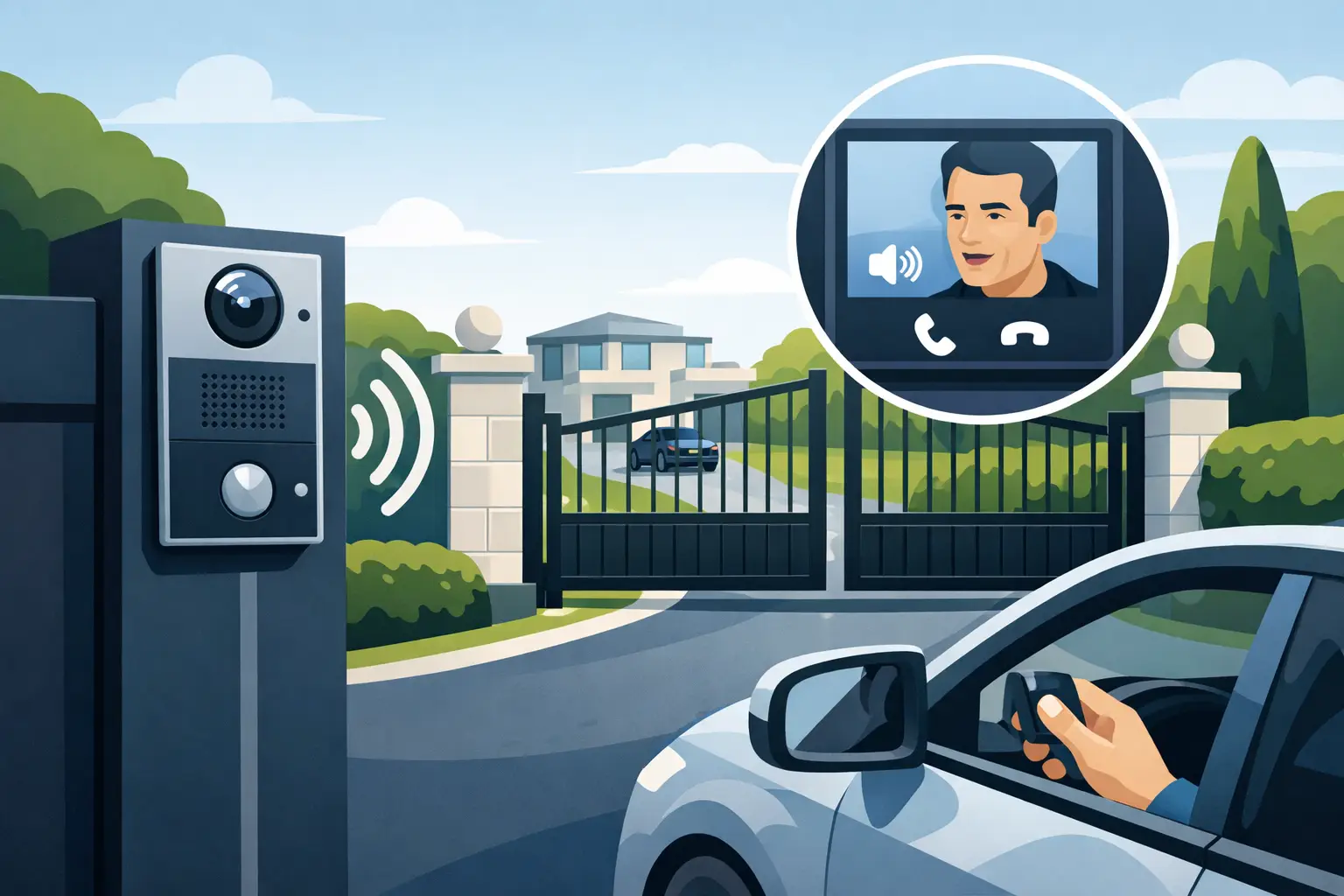
The moment a vehicle stops outside your gates is the moment you should have a clear choice: speak to the visitor, see who is there, grant access, or keep the entrance closed. A gate intercom system for private driveway access puts that decision in your hands before anyone reaches your front door, workshop, office or parking area.
For homes, managed premises and small businesses, the right system is more than a call button on a post. It must work reliably across the distance from gate to building, cope with poor light and wet weather, and be simple for the people who use it every day. Getting the design right at the start avoids poor audio, unreliable gates and equipment that does not give you the view you expected.
What a driveway gate intercom should do
At its most useful, a driveway intercom combines visitor communication with controlled entry. A caller presses the button at the gate, and you receive an audio or video call on an internal monitor, handset or compatible mobile device. You can identify the visitor and release the gate remotely where automation is fitted.
Video makes a significant difference on a long or enclosed driveway. Audio alone may tell you that somebody has arrived, but it cannot verify whether the person is alone, whether a courier has left a parcel at the entrance, or whether a vehicle is following through behind an authorised visitor. A properly positioned camera provides a clear view of faces, vehicles and the immediate area around the gate.
The system should support the way the property operates. A family may want calls answered from the kitchen monitor and smartphone. A business may need a reception point, staff credentials and timed access permissions. A landlord or facilities manager may need a record of calls and a straightforward method of managing fobs, cards or keypad codes.
Start with the driveway, not the product
There is no single best gate station for every property. The cable route, distance to the house or building, gate type, mobile signal, available power and lighting all affect what will work well. This is why a site survey is valuable before specifying equipment.
A long drive can make wireless systems tempting, but distance is only part of the picture. Brickwork, mature trees, metal gates, outbuildings and changing weather can reduce wireless performance. For a permanent installation, a wired IP solution is often the more dependable choice. A single network cable can carry data and power through Power over Ethernet, commonly known as PoE, reducing the need for a separate local power supply at the gate position.
That does not mean every installation requires new trenching across a driveway. Existing ducts, suitable cable routes and network infrastructure may make a wired design practical. Where a wireless link is appropriate, it should be planned and tested rather than assumed to work from a stated range on a box.
The gate station also needs a sensible mounting position. It should be reachable from a car without drivers stretching or opening a door, while still giving the camera a useful angle. Positioning it too low can produce an unhelpful view of bonnets and headlights. Too high, and smaller visitors may struggle to use it. The best height and viewing angle depend on the entrance layout and the type of traffic using it.
Video quality matters after dark
Many calls happen when visibility is poor: winter evenings, early deliveries, late arrivals and periods when a property is closed. Choose a video entry station that handles changing light properly, rather than judging performance only from a bright showroom image.
Infrared illumination can help identify a caller at night, while a wider security design can use smart illumination and CCTV coverage to improve colour visibility around the perimeter when movement is detected. The objective is practical identification, not simply a bright image. Strong headlights, shadows from gate pillars and reflective surfaces all need consideration during installation.
A gate intercom camera is not necessarily a replacement for dedicated CCTV. The intercom should show the visitor at the call point; CCTV can cover the approach road, gate line, pedestrian access and vehicle movements. Together, they give better evidence and better awareness of what is happening at the boundary.
Choosing how visitors and residents gain access
A video call button suits most private driveways, but access credentials can make entry quicker and more controlled for regular users. Keypads, proximity cards and fobs are useful where household members, staff, contractors or tenants need access without calling each time.
A keypad is convenient, but shared codes need managing. If a code is passed on or a contractor no longer needs access, it should be changed promptly. Cards and fobs provide clearer individual control because a lost credential can be removed without changing access for everyone else. For a property with several users, that is usually the more manageable option.
Dahua IP video door entry systems can support video calling alongside keypad, card and fob access. Paired with PoE-connected 7-inch Android monitors, they offer a clear, fixed point inside the property for answering calls and operating the entrance. This can be especially useful where mobile phones are not always available, such as a reception area, nursery office or shared building entrance.
For a private residence, keep daily operation straightforward. Decide who should be able to open the gate, whether mobile app access is genuinely useful, and what happens when a visitor calls while nobody is home. A system with too many features can become confusing. The right design gives the owner control without creating unnecessary admin.
Gate release is only one part of a safe entrance
An intercom can send a release command, but it should be integrated correctly with the gate automation. Electric gates have safety obligations of their own. Photocells, safety edges, correct force settings and appropriate controls are essential to prevent injury or damage when the gate moves.
Ask how the gate will behave during a power cut or equipment fault. The answer depends on the site and security priorities. Some properties need a manual override for residents; others may need a controlled method of access for emergency services or authorised staff. This should be agreed before installation, not discovered when the first fault occurs.
Vehicle and pedestrian movement also need separating where possible. A pedestrian gate or clearly controlled side entrance may be safer and more convenient than asking people on foot to use the main automated gate. Delivery drivers, children and visitors should not have to guess where to stand while a gate is operating.
Plan for the people who use the system
The best gate intercom system for a private driveway is one that remains usable when life is busy. Consider where internal monitors will sit, who answers calls during the day, and whether the system must serve a home office, reception desk or several flats. A monitor placed where nobody can hear it offers little reassurance, however capable the equipment may be.
For businesses and managed properties, access permissions should reflect real responsibilities. Reception may open the gate during working hours, while a manager retains oversight of out-of-hours calls. Credentials should be reviewed when staff leave, contractors change or tenancy arrangements are updated. Clear administration protects the site without making access difficult for authorised people.
It is also worth considering future work. If you may add CCTV, alarms, external lighting or additional monitors later, installing the right cabling and network capacity now can reduce disruption and cost. A survey should identify these opportunities without pushing you into equipment you do not need.
Why professional installation makes the difference
A gate intercom sits at the edge of the property, exposed to weather, vehicles and attempted interference. The quality of cable protection, termination, enclosure mounting, network setup and commissioning affects reliability as much as the equipment itself. Professional installation is about making every part of the system work together, not just fitting a panel to a gate post.
A proper handover should include demonstration of calls, gate release, credentials and any mobile access, along with clear advice on what to do if a fob is lost or a monitor stops receiving calls. Support after installation matters because access control is not something you should be left to troubleshoot alone.
NRI Security begins with a free site survey and no-obligation quotation, so the proposed system can reflect the driveway, gate automation and level of control you actually require. The most reassuring setup is not the one with the longest feature list. It is the one that lets you see the entrance clearly, speak with confidence and decide who comes through your gate every time.

Case Study: Door Entry for Apartment Blocks
A practical case study of door entry in apartments, covering access control, IP video, resident usability and installation choices that protect residents.

How to Reduce Blind Spots in CCTV
Learn how to reduce blind spots CCTV systems miss with better camera placement, lens choice, lighting and professional site surveys.

Access Control That Fits the Way You Work
Access control helps you manage who enters, when, and how. See what matters most for homes, offices, flats, and managed buildings.

How Many Cameras for Office Security?
Find out how many cameras for office security you really need, based on layout, risk points, blind spots, lighting and day-to-day use.
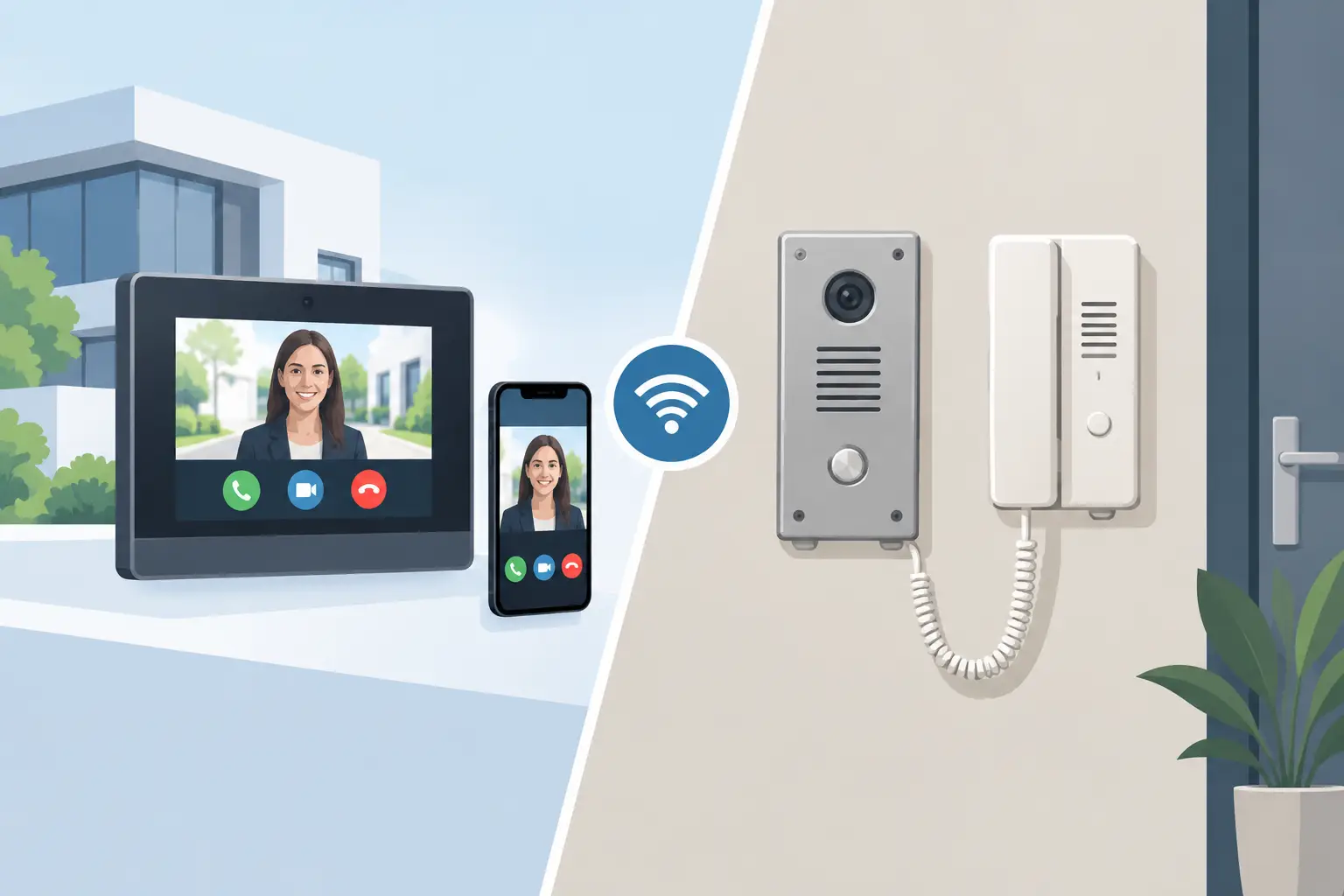
IP Intercom vs Analogue Intercom: Which Fits?
Compare IP intercom vs analogue intercom systems for homes, flats and businesses. Understand wiring, remote access, costs and the right fit for your site.
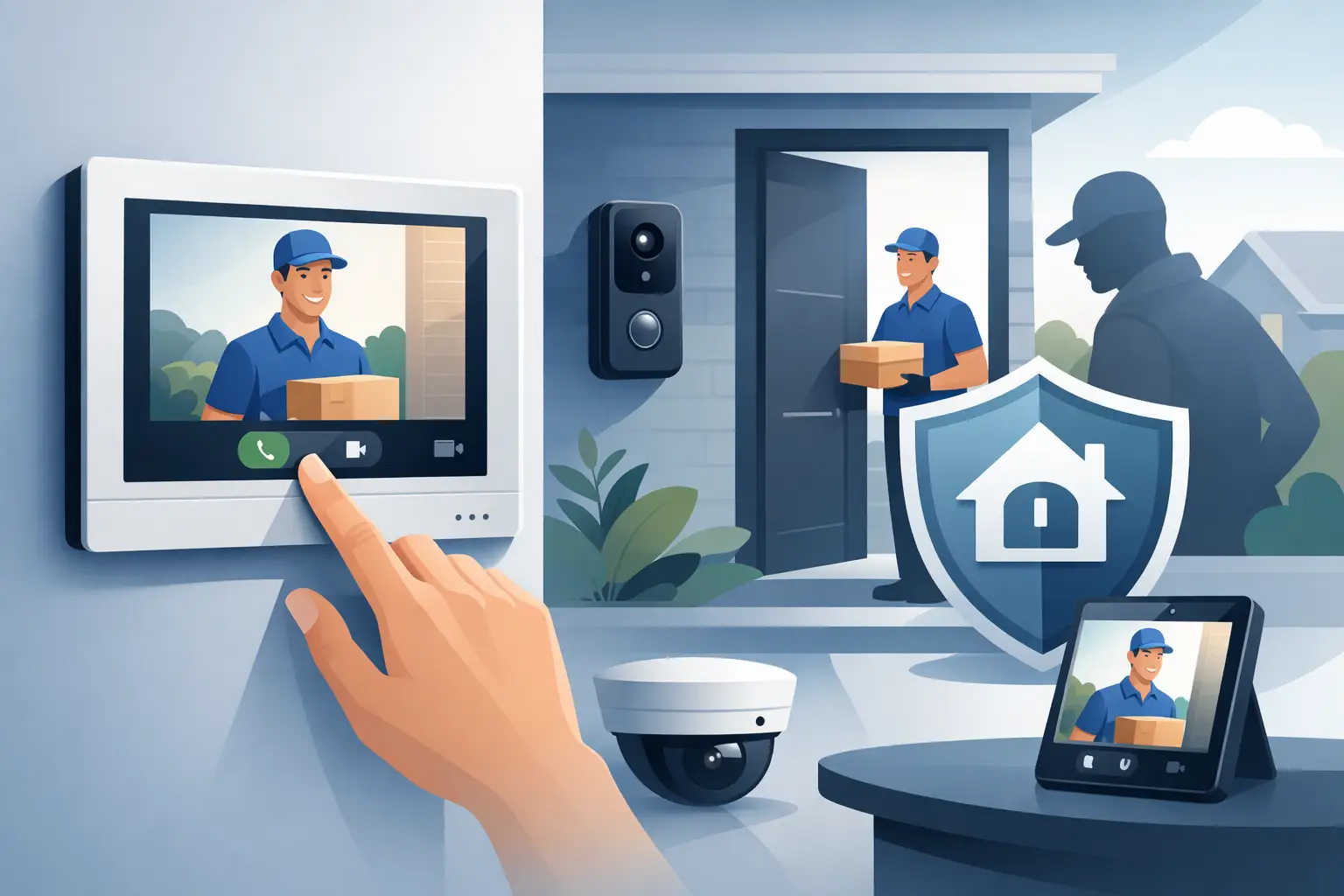
Dahua Indoor Monitor Review for Safer Entry
Dahua indoor monitor review for homes, flats and businesses: assess POE reliability, call handling, access control and installation value for shared sites.
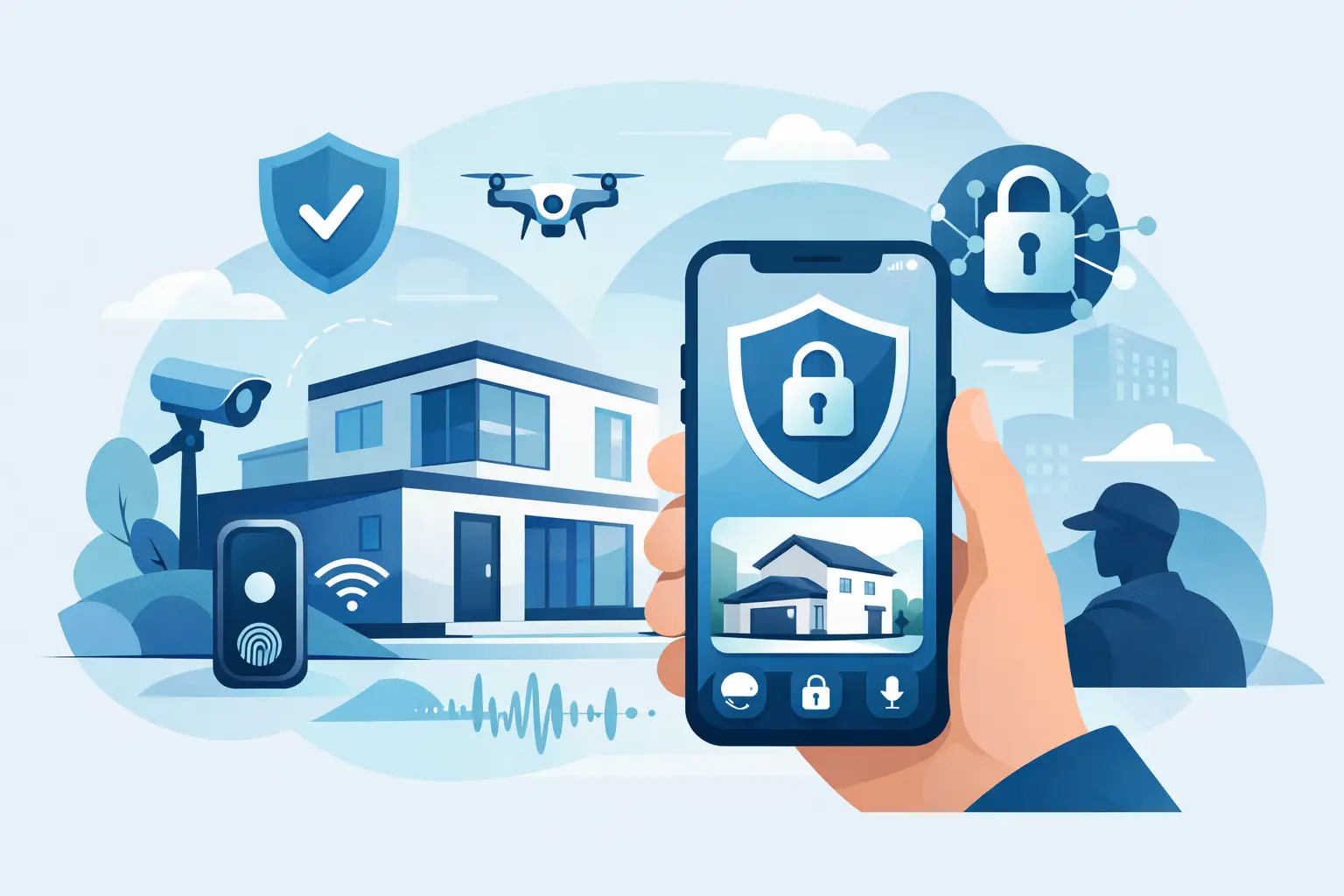
Future of App Controlled Security: What Matters
The future of app controlled security brings clearer remote oversight, smarter alerts and safer entry – when systems are designed around real daily risks.

Secure Remote Access to CCTV Explained
Secure remote access to CCTV gives you live viewing without opening your system to avoidable risk. Here’s how to set it up the right way.

Remote Monitoring Systems That Put You in Control
Remote monitoring systems give homeowners and businesses live visibility, faster alerts and practical control over CCTV, alarms and access points daily.

Smart Illumination Security Cameras Explained
Learn how smart illumination security cameras improve night-time visibility, deter intruders and give homes and businesses clearer evidence.

How to Choose a Home CCTV Installer
Learn how to choose home CCTV installer with confidence. Compare surveys, support, system design and quotes before you commit.