
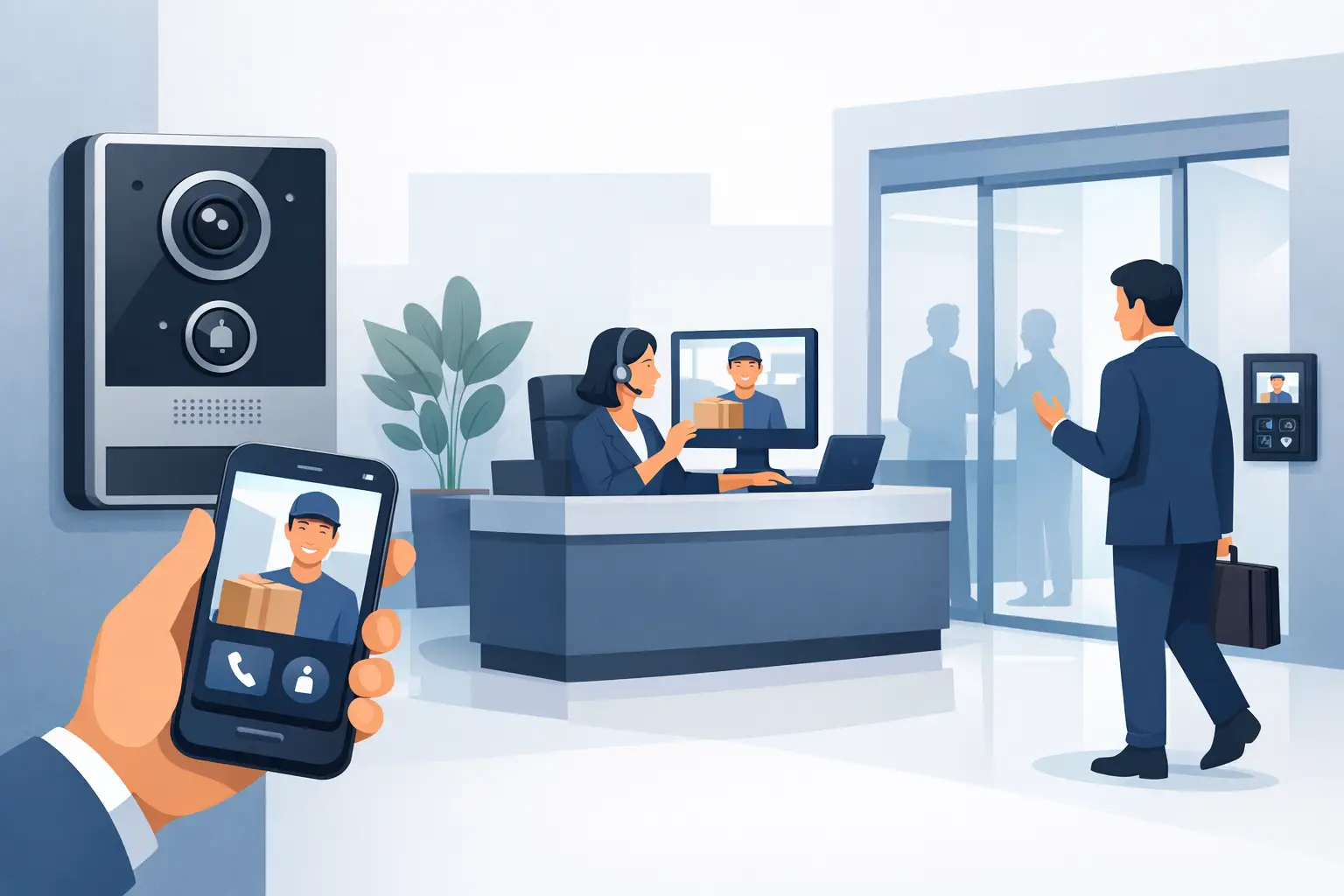


Video door entry for office reception gives staff controlled access, clear visitor checks and reliable records. Learn what the right system should include.
Future of App Controlled Security: What Matters
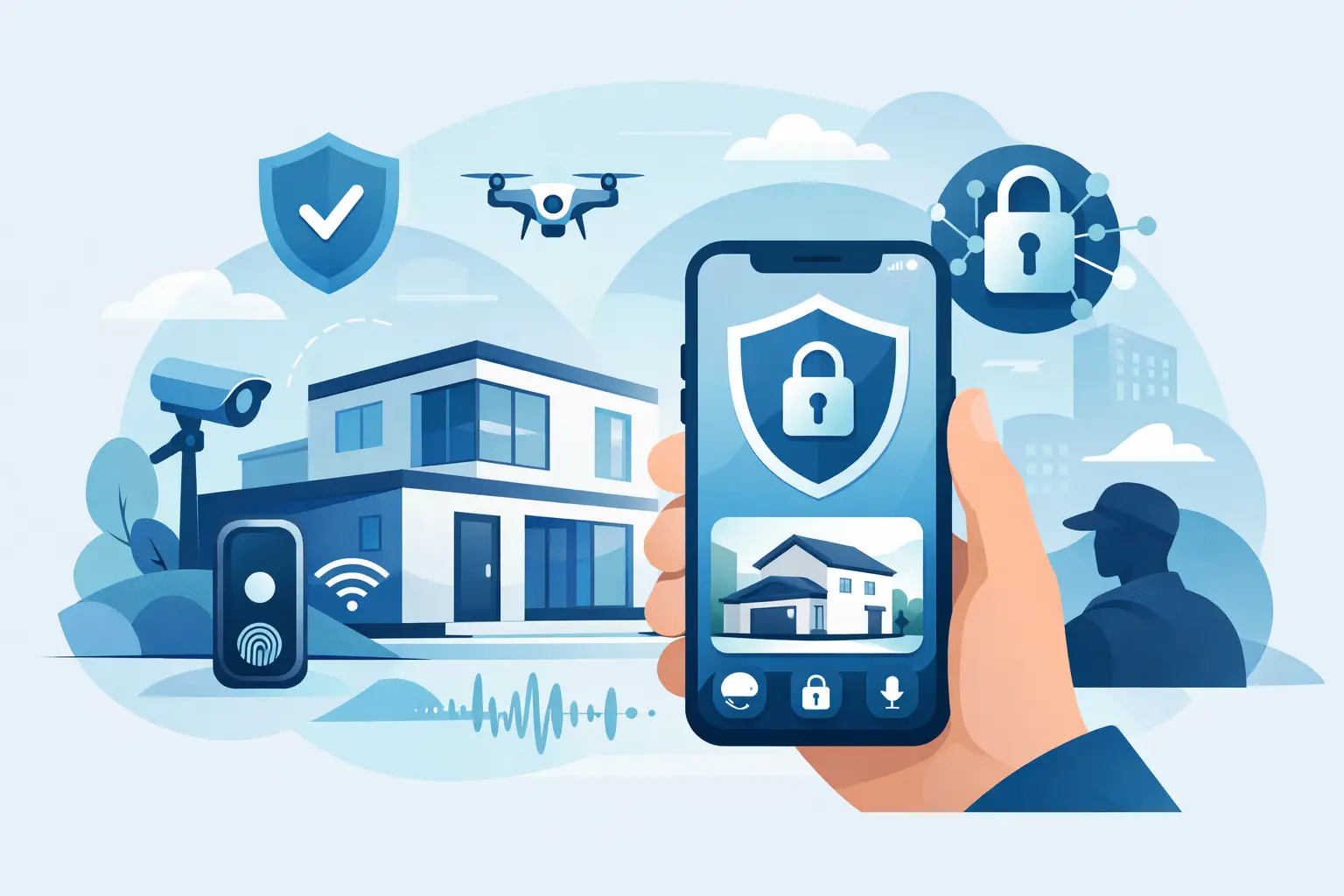
A delivery arrives after closing time. A tenant reports an unfamiliar person at the communal entrance. A nursery manager needs to confirm who has entered the building before releasing a child. The future of app controlled security is not about watching a screen all day. It is about having the right information in your hand when a decision cannot wait.
For homeowners, landlords and business operators, app access has changed the expectation of a security system. You should be able to check a camera, respond to an entry request, arm or disarm an alarm, and see meaningful alerts without being tied to the property. But the app is only as useful as the cameras, door entry, network and installation work behind it.
The future of app controlled security is selective, not noisy
Early app-connected systems often promised total visibility but created a different problem: constant notifications. A camera that alerts every time a car passes, a tree moves or staff walk through a doorway soon gets ignored. When a real event occurs, the important message can be lost among routine activity.
The next step is more intelligent filtering. Security systems are increasingly able to distinguish between people, vehicles and general movement, and to apply different rules to different areas. A side gate may require an immediate person-detection alert after dark, while a customer car park may only need recording outside business hours.
This is where professional design matters. Alert settings should follow the risks at the property, not be left at factory defaults. During a site survey, an installer can identify likely approach routes, blind spots, delivery areas, staff entrances and locations where legitimate movement is expected. The result is a system that asks for your attention when it is genuinely needed.
Better night coverage will make alerts more useful
A grainy black-and-white image rarely provides the detail needed to identify a person, a vehicle or what happened at a boundary line. Modern CCTV is moving towards clearer low-light performance, smart illumination and colour night coverage that activates when an intrusion is detected.
This approach has a practical advantage. Discreet lighting can deter someone approaching a vulnerable area, while colour footage gives a clearer account of clothing, vehicles and events. It can be particularly valuable around side passages, rear gardens, car parks, bin stores and service entrances, where conventional lighting may not reach.
More light is not always the answer. Poorly positioned illumination can create glare, disturb neighbours or reduce the useful view of a camera. The correct solution depends on the site, surrounding lighting and the distance a camera needs to cover. Camera height, lens choice and the placement of intrusion lines all affect whether the notification on your phone shows useful evidence or an unclear silhouette.
CCTV should show the decision, not just the incident
Remote viewing is often described as a convenience feature. In reality, its greatest value is decision-making. If an alert shows a contractor arriving at the right time, you can stand down. If it shows someone attempting to access a restricted entrance, you can act quickly, preserve footage and contact the appropriate support.
For a business, this can mean checking an opening or closing procedure without travelling to site. For a homeowner, it can mean confirming that a family member has arrived safely. For a landlord or facilities manager, it can mean resolving a report with a time-stamped visual record rather than relying on assumptions.
App-controlled entry will become more accountable
Door entry is also changing from a simple buzzer at a door to a managed point of control. IP video door entry allows authorised users to see and speak with a visitor before granting access, whether they are in the building or away from it. This is useful in flats, offices, nurseries and managed properties where the entrance is shared but accountability still matters.
Credential choice will remain important. A keypad code can be suitable for temporary access, while cards and fobs provide a straightforward option for staff, residents or regular contractors. Each method has trade-offs. Shared codes are convenient but should be changed when circumstances change; fobs can be removed from the system if lost, but need proper administration.
Dahua IP video door entry systems with POE-connected 7-inch Android monitors provide a practical example of how these systems can work on site. Power and data can be delivered through the same network connection, reducing unnecessary separate power arrangements and helping create a tidy, reliable installation. The monitor gives occupants a familiar fixed point of control, while app access adds flexibility when they are away from it.
The future is unlikely to remove physical access credentials altogether. A well-managed building needs a sensible fallback when a phone battery is flat, a handset is replaced or a resident is less comfortable using an app. The best systems give people options without weakening control.
Security apps must be protected like a set of keys
Putting security controls on a phone creates a responsibility that should not be overlooked. An app can provide reassurance, but it may also expose a property if accounts, passwords and permissions are poorly managed.
Every user should have their own account where possible, rather than one shared login passed between family members or staff. Strong passwords and multi-factor authentication should be used when available. Access should be reviewed when an employee leaves, a tenant moves out or a contractor no longer requires entry.
The network also deserves attention. Cameras, door entry and alarm equipment depend on it for remote functions, so a weak Wi-Fi setup or ageing router can affect performance and security. A professionally installed system should account for network coverage, cable routes, recording capacity and secure configuration from the outset.
Remote access does rely on an internet connection. If broadband fails, app notifications and off-site viewing may be interrupted, although local recording and certain on-site functions can continue depending on the system design. This is why it is worth discussing what must keep working during an outage, rather than assuming every feature operates in exactly the same way.
The app should support people, not replace procedures
Technology cannot replace a clear response plan. If an out-of-hours alert arrives, who is expected to check it? What happens if someone is seen attempting entry? Who can release a visitor through the door system? In a nursery, office or residential block, these questions should be agreed before an incident, not during one.
For smaller sites, the answer may be one owner or manager with a trusted second user. Larger or shared properties may need different permissions for reception, facilities staff, directors and managing agents. Giving every user full control is rarely necessary. Permission levels should reflect each person’s role.
Privacy must also be considered. Cameras should protect entrances, boundaries and assets without unnecessarily recording neighbours’ private areas or staff spaces where monitoring is not justified. Clear policies, sensible camera positioning and controlled access to recordings protect both the property and the people using it.
What to ask before choosing an app-connected system
The most useful question is not, “Which app has the most features?” It is, “What needs protecting, and what information do I need to act on?” A system for a detached home will differ from one for a multi-occupancy building, a nursery or a busy office.
Ask how alerts will be filtered, how long footage will be retained, what happens if the internet goes down, and who can access live views or unlock doors. Consider whether cameras need colour night coverage, whether exterior lighting should trigger on intrusion, and whether fixed internal monitors are needed alongside mobile access.
It is also sensible to ask who will support the system after installation. Apps change, phones are upgraded, staff roles move on and a property’s risks can change. Security should not feel like a one-off purchase that becomes difficult to manage six months later.
NRI Security approaches these decisions through a free site survey and no-obligation quotation, helping customers specify the right level of CCTV, access control and alarm coverage without being pushed into unnecessary equipment. With more than 20 years of installation experience, the focus remains on dependable protection that is practical to use every day.
The best app-controlled security system is not the one that puts the most controls on a phone. It is the one that gives the right people clear visibility, controlled access and confidence to respond when it matters.

Commercial CCTV Installation Guide for UK Sites
Our commercial CCTV installation guide explains how to plan cameras, protect privacy and achieve clear evidence with reliable professional support on site.

Remote Monitoring Systems That Put You in Control
Remote monitoring systems give homeowners and businesses live visibility, faster alerts and practical control over CCTV, alarms and access points daily.

Commercial CCTV That Fits the Job
Commercial CCTV should deter, identify and inform. Learn what to specify, where systems fail, and how to choose the right setup.

Ajax alarm app review for homes and businesses
Ajax alarm app review for UK homes and businesses. See how it handles alerts, user control, automation and daily use before you buy.

Home Surveillance That Gives You Clear Control
Plan home surveillance around real risks, clear evidence and simple daily use. Learn where cameras, lighting and professional setup make a difference.

CCTV for Nurseries: What Good Security Looks Like
CCTV installation for nursery security: camera placement, night coverage, entry control, privacy rules and how to choose a reliable installer for safeguarding.

Where Should CCTV Cameras Go?
Learn how to choose CCTV camera placement for homes and businesses, with practical advice on entrances, blind spots, lighting and privacy.

Perimeter Security Cameras for Rear Garden
Perimeter security cameras for rear garden spaces improve deterrence, colour night coverage and control with smarter placement and setup.

Security Site Survey Guide for Safer Installs
A practical security site survey guide for homes and businesses. Learn what installers assess, what affects cost, and how to plan smarter protection.

Access Control That Fits the Way You Work
Access control helps you manage who enters, when, and how. See what matters most for homes, offices, flats, and managed buildings.

Secure Remote Access to CCTV Explained
Secure remote access to CCTV gives you live viewing without opening your system to avoidable risk. Here’s how to set it up the right way.