


Remote monitoring systems give homeowners and businesses live visibility, faster alerts and practical control over CCTV, alarms and access points daily.
Dahua Indoor Monitor Review for Safer Entry
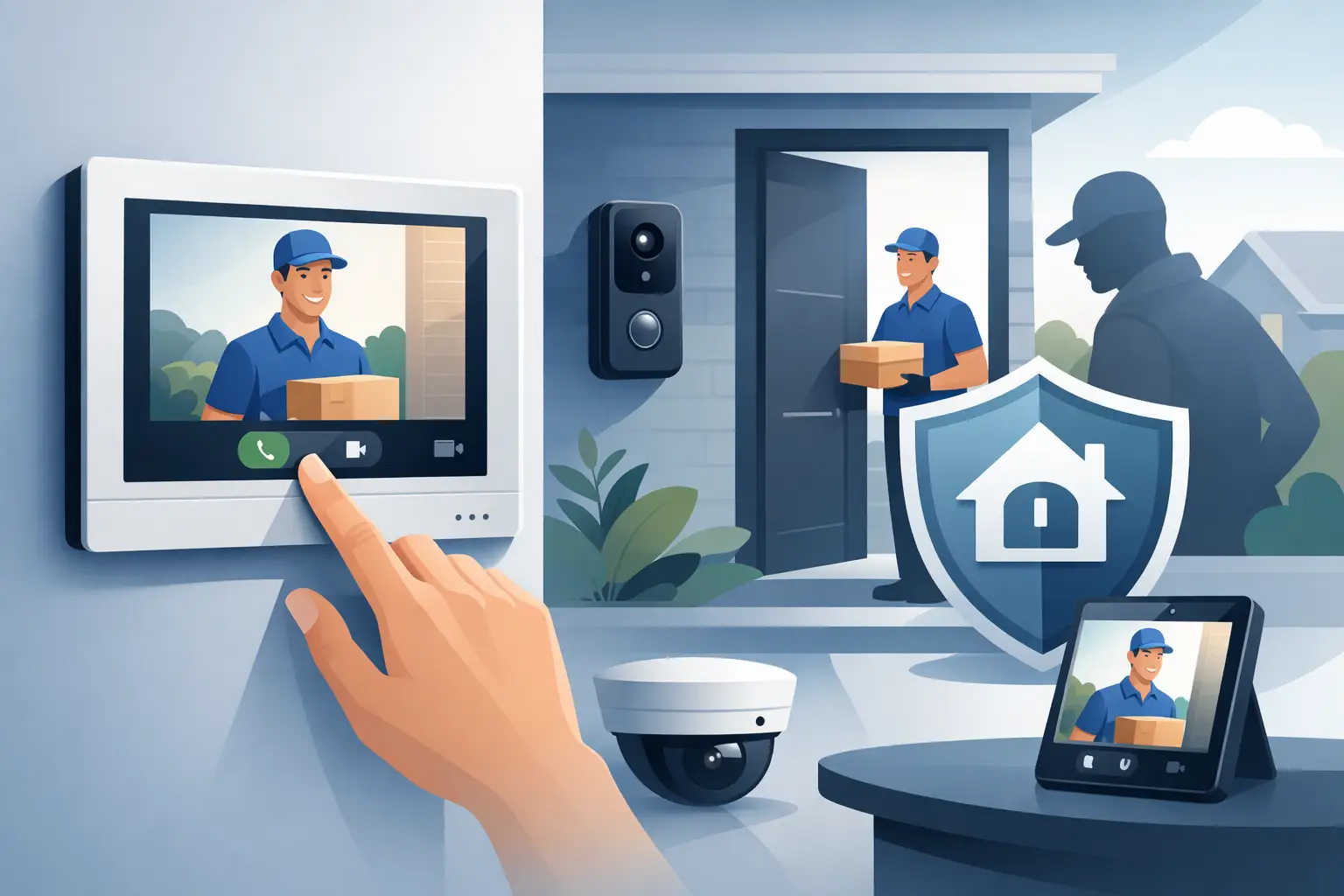
A doorbell camera can show who is outside. A properly specified indoor monitor gives you the authority to decide what happens next. This Dahua indoor monitor review looks at where Dahua IP monitors make practical sense, what they do well, and the details that determine whether the system remains dependable after installation.
For homeowners, the appeal is simple: see a caller clearly, speak before opening the door, and release a gate or front door without crossing the house. For landlords, office managers and facilities teams, the value is greater still. An indoor monitor creates a visible, accountable point of control at every entrance.
What a Dahua indoor monitor is designed to do
Dahua indoor monitors are part of an IP video door entry system. They work with compatible outdoor stations, door controllers and, where required, access-control devices. Rather than relying on a basic audio handset, the system brings live video, two-way speech and door release controls to a wall-mounted screen.
The 7-inch Android-based monitors commonly used in professional installations are particularly well suited to flats, offices, nurseries and managed buildings. The display is large enough to identify a visitor without taking up the wall space of a larger tablet, while the interface keeps everyday actions straightforward: answer, view, speak, release or decline.
Many installations use Power over Ethernet (POE). One network cable carries both power and data, reducing the need for a separate local power supply at the monitor position. That is not merely a tidy installation detail. It can improve reliability, simplify fault-finding and make the system easier to support over its working life.
Dahua indoor monitor review: the strengths that matter
The strongest point of a Dahua monitor is that it puts visual verification before entry. A resident or staff member can see who is calling before releasing a lock. That sounds obvious, but it is a meaningful step up from an audio-only intercom, especially where staff are distracted, a property has a busy reception area, or a vulnerable person may answer the door.
Image quality depends on the outdoor station, lighting and camera position, not the monitor alone. A well-planned system can provide a useful face-level view at the entrance in daylight and poor weather. If a doorway is dark, the answer is not always a different screen. It may be better camera placement or properly designed entrance lighting.
Call handling is also a real advantage. The monitor provides an immediate, fixed location to manage visitors, which is often more reliable for daily use than expecting every resident or member of staff to keep an app open on a mobile phone. Mobile access can be a valuable secondary feature, but a permanent indoor monitor remains the clearest first line of control.
For multi-occupancy properties, Dahua systems can be configured around individual flats, offices or departments. A visitor selects the intended occupier, the call reaches the relevant monitor, and authorised users can speak to the caller before granting access. This is cleaner than unmanaged keys and more accountable than leaving a door on a timer.
The equipment also works well alongside controlled credentials. Depending on the specification, staff and residents may use a keypad, card or fob for routine access, while the video entry side deals with unknown callers, deliveries and contractors. These are complementary functions: credentials make authorised access quick; video verification handles exceptions safely.
Where the system needs careful specification
No indoor monitor is a complete security solution by itself. It controls the decision at the door, but the wider result depends on the lock, exit arrangements, cabling, network design and outdoor station. A poorly placed camera may show the top of a visitor’s head. A poorly selected lock may not suit the door or fire-safety requirements. Neither problem is fixed by choosing a more expensive screen.
Network quality matters too. An IP door entry system should not be treated as an afterthought on a crowded or unreliable network. In a small home, the requirement may be modest. In an office block, nursery or building with multiple monitors, installers should consider POE switching capacity, cable routes, network separation and resilience from the outset.
There is also a usability trade-off. A touchscreen monitor offers more functions than a simple audio entry phone, but those functions should be configured around the people who will actually use them. A busy office reception may need a clear main screen and fast release control. A block of flats may need simple calling, privacy settings and easy support for residents. More menus do not automatically mean better day-to-day security.
For some homes, a single monitor is enough. Larger properties may benefit from monitors on more than one floor, so a caller can be answered without someone rushing downstairs. That should be decided during a site survey rather than by choosing a number from a catalogue.
Is it suitable for your property?
For a homeowner, a Dahua indoor monitor is most useful where the front door, side gate or driveway entrance needs better control. It gives the household a direct view of callers and avoids opening the door blindly. Pairing it with a suitable outdoor station can also be effective where parcels are regularly left at the property or where the entrance sits away from the main living area.
For landlords and managing agents, the priority is normally dependable shared access. A correctly designed IP door entry system can replace worn handsets, unreliable buzzers and uncontrolled keys with a more organised setup. It can help residents identify callers while giving building managers a clearer route to manage credentials when occupiers change.
For offices, the benefit is operational as much as protective. Staff can screen visitors, guide delivery drivers and release authorised callers without leaving a desk or automatically opening the building to everyone who presses the panel. Where a reception is not staffed throughout the day, that control becomes particularly valuable.
Nurseries and similar regulated settings require an especially cautious approach. Entry should be controlled, staff should be able to identify a caller clearly, and the system should support established safeguarding procedures rather than replace them. A monitor provides useful confirmation, but policies on who may release a door and when still matter.
Installation is where the value is protected
A Dahua monitor can look straightforward on the wall, but the professional work is largely hidden. The installer needs to assess cable routes, viewing angles, lock compatibility, power provision, network equipment and the way people enter and leave the building. For managed sites, they also need to plan calling directories, user permissions and how new cards or fobs will be issued.
The outdoor station should be mounted at an appropriate height and position for the users of the building. It needs a clear view of callers without being easily obstructed by a canopy, gatepost or parked vehicle. If the entrance is exposed, weather protection and durable mounting matter. If it is in a public area, the equipment should not be left vulnerable to casual damage.
Commissioning is equally important. Calls, speech quality, door release, exit devices and credentials should all be tested in realistic conditions. Staff or residents should receive a clear handover, not a folder of technical instructions they will never use. They need to know how to answer a call, release a door safely and report a fault.
This is also why after-sales support has value. Access systems change as tenants move, staff leave and buildings are altered. Choosing a system that can be properly supported is often better than buying the cheapest monitor and hoping it remains suitable.
Our verdict
Dahua indoor monitors are a strong choice for properties that need practical, visual control of visitors. Their POE capability, compatibility with IP door entry and access credentials, and familiar 7-inch Android monitor format make them particularly well suited to homes, offices and multi-occupancy buildings.
The right result depends less on the screen alone and more on a complete specification. The best system is the one that gives occupants a clear view, authorised users easy entry, managers sensible control and everyone confidence that the door is secure. A free site survey is the sensible place to start: it turns a product decision into an entrance-security plan that fits the property.

Why Security Consultation Before Installation Matters
Security consultation before installation helps you choose the right CCTV, alarms and access control for proper coverage, compliance and value.

Access Control for Small Business Office Use
Access control for small business office sites improves safety, accountability and day-to-day entry management without adding unnecessary complexity.

Wireless Alarm Reliability: What Really Matters
Wireless alarm reliability depends on design, signal strength, power and support. See what a professional installation checks before an alarm is needed.

CCTV Maintenance Contract for Small Businesses
A CCTV maintenance contract for small businesses keeps cameras, recording and remote access reliable, compliant and ready when incidents happen.

Wireless Alarm App Control Guide
Wireless alarm app control guide for homes and businesses. Learn setup, permissions, alerts, and remote use without losing reliability or control.

Smart Illumination Security Cameras Explained
Learn how smart illumination security cameras improve night-time visibility, deter intruders and give homes and businesses clearer evidence.

CCTV Installer Chorley: What Good Looks Like
Choosing a cctv installer chorley? Learn what a proper survey covers, the kit that matters, and how to avoid poor night footage and weak deterrence.

Perimeter Security Cameras for Rear Garden
Perimeter security cameras for rear garden spaces improve deterrence, colour night coverage and control with smarter placement and setup.

Business Access Control Guide for Safer Sites
A practical business access control guide for offices, flats and managed sites. Learn what to choose, how systems work and what really matters.

Smart Door Entry for Nurseries Safeguarding
Smart door entry for nurseries safeguarding helps control access, verify visitors and support staff with clear, reliable entry records and video.

Smart Home Security Installation Done Right
Smart home security installation works best when cameras, alarms and entry systems are designed properly, fitted well and supported after handover.