


Wireless alarm app control guide for homes and businesses. Learn setup, permissions, alerts, and remote use without losing reliability or control.
Residential Video Entry Guide for Safer Access

You do not need a complicated security setup to lose control of your front door. One missed caller, one unknown visitor, or one shared key passed around too freely can turn a simple entrance into a weak point. This residential video entry guide is designed to make that decision clearer, whether you are securing a house, a block of flats, or a managed residential building.
Video entry works best when it solves two problems at once. It confirms who is outside, and it gives you a practical way to decide what happens next. For some properties that means answering a call from an indoor monitor and releasing the door remotely. For others it means adding keypad, card, or fob access so residents and approved visitors can enter without relying on keys alone.
What a residential video entry guide should help you decide
The right system is not simply the one with the longest features list. It is the one that suits the way your property is used day to day. A single front door on a private home has very different requirements from a shared entrance serving multiple flats, a nursery with controlled arrival times, or an office with regular deliveries.
That is where many buyers get stuck. They compare screens, cameras, apps, and credentials, but the more useful question is simpler: what level of control do you actually need at the entrance? If access is shared by several people, you may need more than video calling. If there are periods when the building is unattended, remote answering becomes more valuable. If the entrance is exposed and poorly lit, image quality in difficult conditions matters more than extra software options.
A professionally specified system should fit the property, the users, and the risks. It should also be easy enough to live with that people use it properly.
How residential video entry systems work in practice
Most modern systems combine an external door station with a camera, audio, call buttons or a directory, and one or more indoor monitors. In IP-based systems, these devices communicate over the network rather than through older isolated wiring methods. That matters because IP door entry is more flexible, easier to expand, and better suited to buildings that may need future changes.
Power over Ethernet, often shortened to POE, is especially useful. It allows compatible devices to receive power and data through a single cable. For installers, that can mean cleaner cabling and more reliable layouts. For the customer, it usually means a neater result and fewer compromises on monitor or panel position.
Inside the property, a 7-inch monitor is a common and practical choice. It gives a clear image without dominating the wall, and on Android-based monitors the interface is familiar for most users. The value is not just in seeing a face on a screen. It is in making quick, confident decisions without guesswork.
Choosing the right setup for your property
A householder usually wants straightforward visitor verification and simple release control. In that setting, one external station and one or two internal monitors may be enough. If the occupier travels often or spends long periods away from the entrance, remote answering can make the system more useful than a standard audio intercom.
Landlords and managers of shared residential buildings need a broader view. The entrance has to work for residents, occasional visitors, deliveries, and contractors, while still providing accountability. That often leads to systems with multiple credential options such as keypad codes, access cards, and fobs alongside video calling. The best choice depends on user turnover, building size, and how often permissions need to be changed.
There are trade-offs. Keypads are convenient, but codes can be shared. Cards and fobs are easier to revoke individually, but they can be lost. Video verification adds another layer of reassurance, yet it relies on residents answering calls and using the system properly. In many buildings, a mix of methods provides the best balance.
The features that matter most
Image quality is not just about having a camera. It is about whether you can identify a person clearly when the light is poor, when the sun is behind them, or when they are standing just outside the ideal angle. A cheap unit may look acceptable in daylight and disappoint when you most need it.
Audio matters just as much. If speech is muffled or delayed, users stop trusting the system. The result is familiar – doors get opened without proper checks because the conversation was not clear enough to support a confident decision.
Access control options deserve careful thought. A household with one or two users may be fine with app access and a monitor. A larger household or shared building often benefits from cards, fobs, or keypad entry because they simplify daily use. What matters is not having every option, but having the right combination for the people entering the building every day.
Reliability should sit near the top of your list. Door entry is not a gadget. It is part of your daily security routine. Stable network performance, properly protected power, sound device placement, and a professional installation standard all affect whether the system remains dependable over time.
Installation matters more than many buyers expect
A well-made device can still underperform if it is installed badly. Camera angle is a common example. If the external unit is mounted too high, too low, or facing difficult lighting, image quality suffers even if the specification on paper looked strong.
Cable routes matter too. In older homes and converted buildings, neat installation can take planning. In larger residential properties, the network has to support the system properly if you want dependable communication between door station, monitors, and any supporting devices.
This is also why a site survey is useful. It gives the installer a chance to assess entrances, power, network conditions, user numbers, and building layout before recommending equipment. That prevents the common mistake of buying a package first and then trying to force it into a property that needed something different.
A residential video entry guide for shared and managed buildings
For shared entrances, convenience cannot come at the expense of control. The system needs to help legitimate users enter easily while making unauthorised access harder. That sounds obvious, but many entry systems fail because they focus only on opening the door, not on managing who should be able to open it and when.
In a block of flats, for example, resident turnover may be frequent. That makes physical keys harder to manage and increases the value of credentials that can be issued and removed quickly. In nurseries and other sensitive environments, there is also a safeguarding dimension. Staff need visibility and a clear process for confirming arrivals. Video and controlled release support that process far better than a basic buzzer.
Office managers and facilities teams often face another challenge – balancing security with the flow of visitors and deliveries. Here, the best system is usually one that gives staff immediate visibility, simple release options, and a clear audit trail of who has access credentials.
Should video entry be linked with CCTV or other security?
Sometimes yes, sometimes no. A standalone video entry system can be enough for a straightforward home entrance. But where there is regular footfall, poor visibility, side access concerns, or a history of nuisance callers, pairing entry control with CCTV gives better coverage of the wider approach to the property.
The difference is simple. Door entry shows who is at the door. CCTV can show how they arrived, whether they approached from another part of the site, and what happened before and after the call. That wider context can be valuable in residential blocks, managed sites, and homes where perimeter awareness matters.
If you are already considering surveillance, it makes sense to look at the whole front-of-property picture rather than treating each system in isolation. The strongest result usually comes from specifying entrance control, visibility, and user access together.
Common buying mistakes to avoid
The first mistake is choosing on price alone. Low-cost kits can look attractive, but if the video is poor, the monitor is awkward to use, or support is limited, the apparent saving disappears quickly.
The second is overbuying. Not every property needs advanced credentials, multiple monitors, app control, and integrated extras. Good advice should narrow the system down to what the site genuinely requires, not pad it out.
The third is forgetting after-sales support. Entry systems are used daily. Residents move, credentials change, settings may need adjustment, and occasional faults need resolving properly. A dependable installer should still be there after commissioning, not just on installation day.
That is why a consultative approach matters. A reputable installer should be willing to explain what you need, what you do not, and why. NRI Security takes that approach because long-term reliability and straightforward control matter more than selling a box of features.
If you are weighing up a new door entry system, start with the entrance itself, the people using it, and the level of control you want to keep in your hands. The right system should make daily access feel simpler while giving you firmer control when it counts.

CCTV Installation Cost in the UK: Real Budgets
Wondering how much does cctv installation cost uk? See realistic UK price ranges, what drives cost, and how to budget for a reliable system.

Do I Need Signs for CCTV in the UK?
Do I need signs for CCTV in the UK? Learn when CCTV signs are required, when they help, and how to stay compliant at home or work.
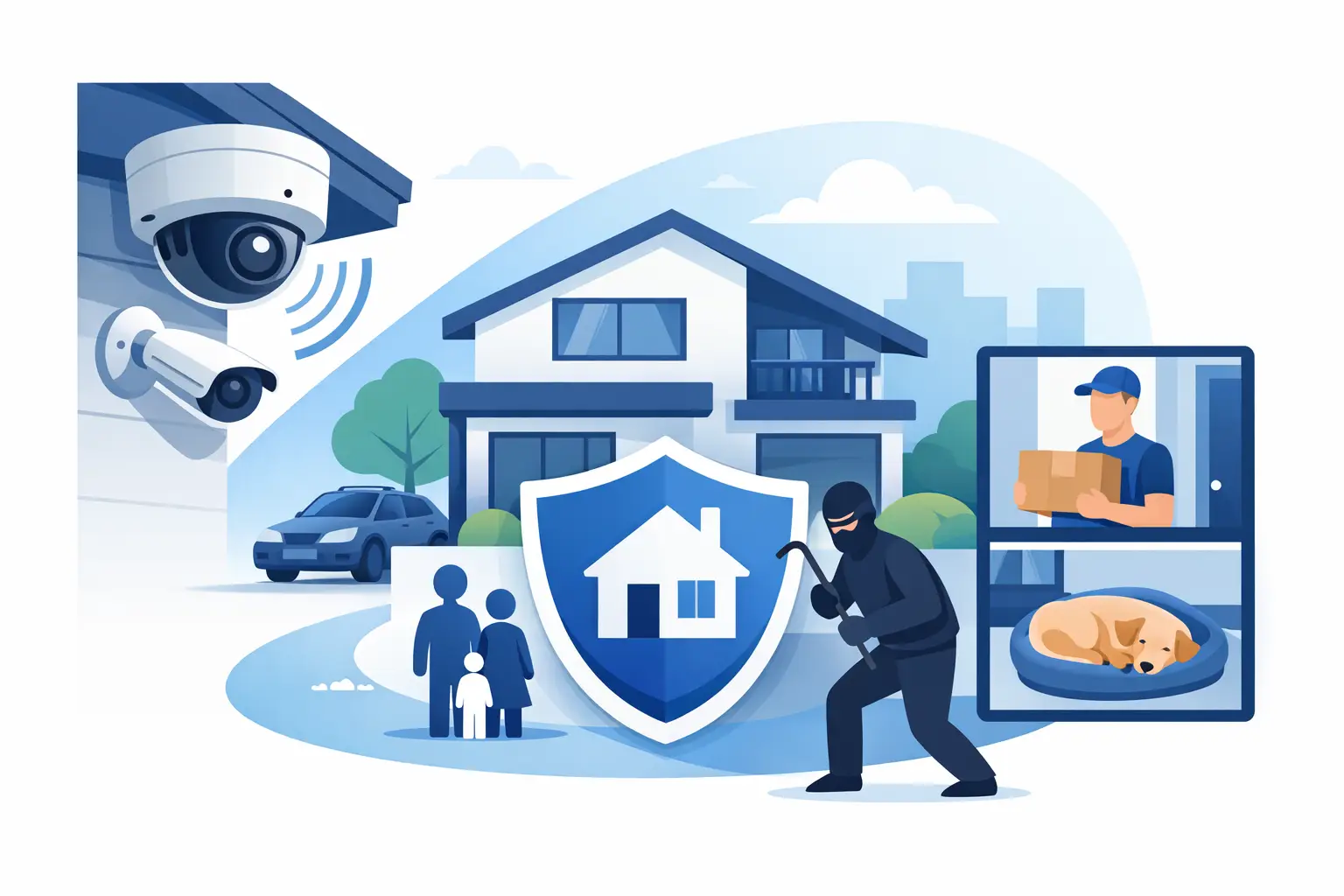
Home CCTV Installation That Covers What Matters
Plan a home CCTV installation with clear coverage, useful colour night vision, remote access and professional support that protects what matters most, daily.

A Nursery Security Upgrade Example That Works
See a practical nursery security upgrade example: controlled entry, CCTV and safer handovers designed around routines, privacy and safeguarding needs.
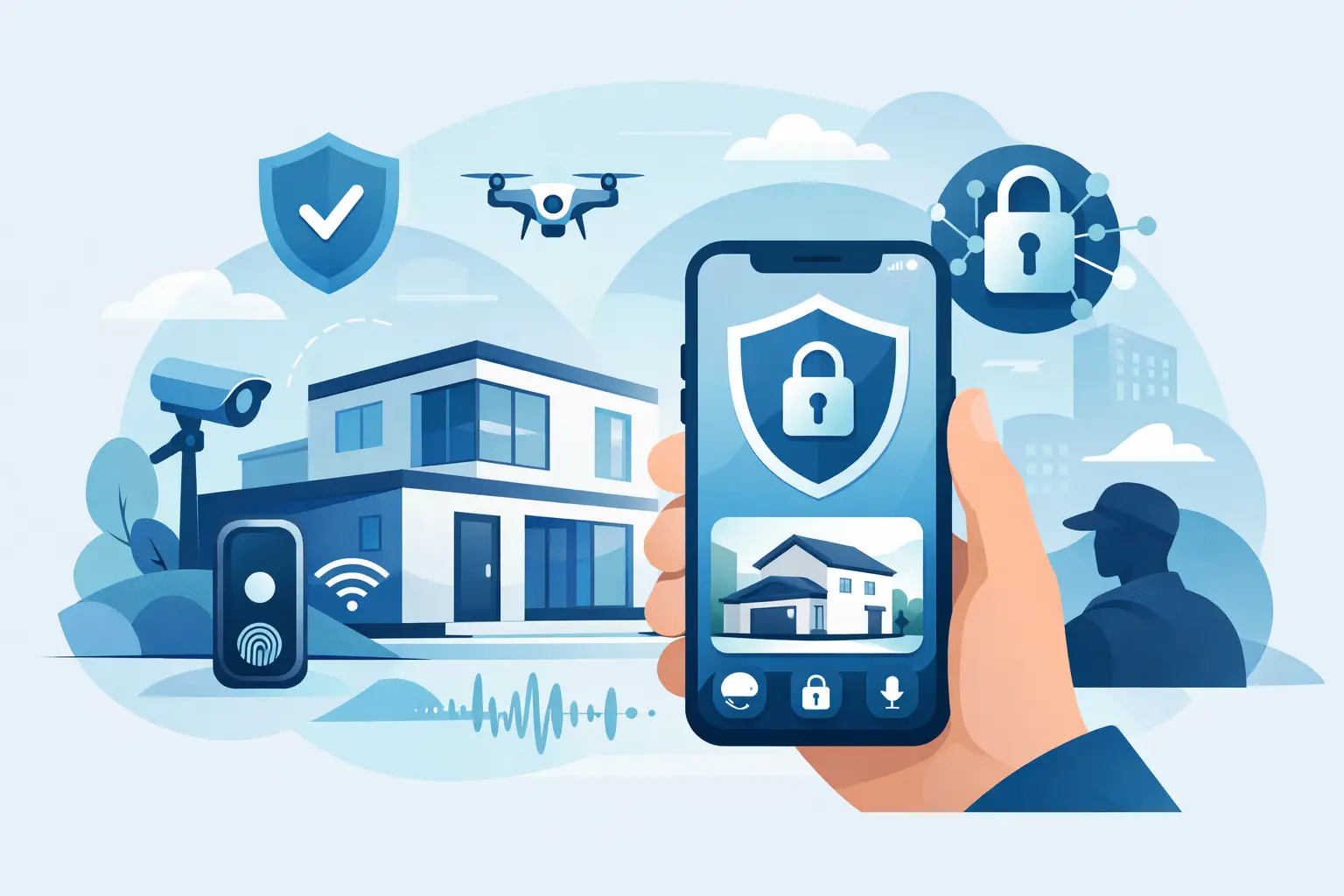
Future of App Controlled Security: What Matters
The future of app controlled security brings clearer remote oversight, smarter alerts and safer entry – when systems are designed around real daily risks.

CCTV for Warehouses and Yards That Works
CCTV for warehouses and yards helps deter theft, protect stock and improve visibility with smart, professionally planned coverage day and night.

A Practical Guide to Home CCTV System Design
A practical guide to home CCTV system design, covering camera placement, night coverage, storage, remote viewing and choosing the right setup.

How to Upgrade Outdated CCTV System
Learn how to upgrade outdated CCTV system setups with better image quality, remote access, smart alerts and reliable coverage that works.

Clearer CCTV Footage at Night: Fixes That Work
Learn how to improve cctv night recording with better lighting, correct camera settings, smart placement and pro installation choices for clearer evidence.

Guide to Securing Office Reception Entrances
Practical guide to securing office reception entrances with CCTV, access control and layout tips that improve safety, visibility and control.

Best Commercial CCTV System Features
Learn the best commercial CCTV system features for clearer evidence, stronger deterrence and simpler day-to-day control across your site.