


A CCTV maintenance contract for small businesses keeps cameras, recording and remote access reliable, compliant and ready when incidents happen.
Remote CCTV Monitoring Apps That Feel Reliable

You only find out whether your remote viewing works at the worst possible moment – a late-night motion alert, a delivery dispute, a door forced, or a fire exit propped open. That is why a remote cctv monitoring app is not a “nice extra”. For most homes and small sites, it is the day-to-day control point for your whole CCTV system.
If you are weighing up systems, or you have an app already and it feels unreliable, it helps to separate what is “camera quality” from what is “remote monitoring experience”. They are linked, but they are not the same. Your cameras might be excellent, yet the app can still frustrate you with delays, vague alerts, awkward playback, or an interface that is designed for installers rather than the people who actually need to use it.
What a remote CCTV monitoring app should do well
A good app should let you answer three questions quickly: What happened? When did it happen? Can I act on it now? Everything else is secondary.
Live view needs to connect quickly and stay stable. In real life, people are not sitting on Wi-Fi next to the recorder. You are on 4G, on a train, or swapping between networks. If live view takes 20 seconds to load, or drops every time your phone locks, you will stop trusting it.
Playback is where many apps fail. The best apps make it easy to jump to motion events, scrub the timeline without lag, and download a short clip with sound if the cameras support audio. The point is not watching hours of footage – it is getting to the relevant 30 seconds without a fight.
Alerts need to be meaningful. A constant stream of notifications trains you to ignore them, which defeats the whole purpose. The app should let you control what triggers an alert (human detection versus general motion, intrusion lines, or door entry events), where it happens (specific zones), and when it happens (schedules for business hours, school runs, or night-time).
Finally, it should be simple to use. A remote cctv monitoring app is often used by multiple people – a homeowner and partner, a landlord and managing agent, an office manager and keyholder. If it takes a training session to show someone how to answer an alert and review the clip, it is not fit for purpose.
App quality depends on the system behind it
It depends what you have installed: a recorder-based IP system (NVR), a hybrid DVR, or cameras that are “cloud-first”. Each has trade-offs.
Recorder-based systems usually give you the best performance for multi-camera sites and the best control over retention. Footage is stored locally on a hard drive, which means you are not paying per camera, per month just to keep recordings. The app is essentially a window into the recorder. If the recorder is properly specified and configured, remote viewing can be very consistent.
Cloud-first cameras can be convenient for a single camera or a small flat, but subscriptions and bandwidth become real considerations as you scale up. If you want multiple cameras, reliable playback, and the ability to download and share evidence quickly, local recording often feels more dependable.
Your internet connection matters, but not in the way most people think. Upload speed is the key factor for remote viewing from your premises, because the footage is leaving the building to reach your phone. If you have several cameras streaming at once, or you are trying to view high resolution at full frame rate, you can saturate a typical domestic upload. A well-configured system balances quality with practical remote access.
The features that actually matter day to day
People often get sold on headline specs like “4K” and then feel let down by the app experience. In practice, these are the areas that decide whether the app becomes a trusted tool or an annoyance.
Smart detection and properly set triggers
Basic motion detection is blunt. Tree movement, car headlights, rain, spiders on the lens – all of it triggers motion.
Modern systems support smarter analytics: human and vehicle detection, intrusion lines, and zone-based triggers. That matters because it reduces noise and raises confidence. If your app alert says “person detected” at 02:14 by the side gate, you treat that differently to “motion” on the driveway when a cat walks past.
There is also a real-world trade-off: higher sensitivity catches more, but increases false alarms; lower sensitivity reduces notifications, but risks missing the early moments of an incident. The right balance is different for a nursery entrance, a rear alley, and a detached home with a long drive.
Colour night coverage and smart illumination
Night-time is where evidence is either useful or pointless. Infrared footage can show movement, but not always detail such as clothing colour or vehicle paint. Systems with smart illumination and intrusion-triggered colour night coverage can give you that extra clarity when it matters, without lighting up the whole street all night.
From an app perspective, it is not just about the picture looking nicer. It is about being able to make a decision remotely. If you receive an alert and the live view is clear enough to confirm whether someone is a resident, staff member, or an intruder, you act faster and more confidently.
User access and accountability
If more than one person needs access, you need proper user roles. The best setups allow separate logins, permissions per camera, and control over who can export clips.
This is particularly relevant for managed buildings and regulated environments. You want visibility and accountability, but you do not want every user to have admin rights, or the ability to switch off recording, delete clips, or change detection settings.
Evidence export that does not waste your time
When you need footage, you usually need it quickly – to resolve a delivery dispute, provide a clip to police, or show an insurer.
A remote cctv monitoring app should let you locate the event, mark a short time window, export it in a standard format, and save it to your phone securely. If the export fails, or the app forces you to record the screen with another device, you are losing time and risking evidence quality.
The common reasons apps “don’t work”
Most app complaints come from setup rather than the app itself. A few patterns show up again and again.
Port forwarding confusion used to be the big issue. Many modern systems now use secure P2P style connectivity, which avoids complex router settings. But you still need correct networking, a stable router, and a properly configured recorder.
Another common cause is overloading the upstream bandwidth. If the system is trying to push maximum quality streams to multiple phones, it can choke. The answer is usually to configure sub-streams for mobile viewing and keep full quality for recording.
Time settings also matter more than people expect. If the recorder time, camera time, and app timeline do not align, playback becomes a guessing game. In a business environment, accurate time stamping is part of accountability.
Finally, notification settings are often left at defaults. That is why people get 200 alerts in a windy afternoon. A professional setup should include tuning detection zones, schedules, and thresholds so the app is quiet until it needs to speak.
How to choose a remote CCTV monitoring app without guessing
If you are selecting a system, do not choose purely on the app screenshots. Ask to see the app doing the tasks you care about.
You want to know how quickly it connects on mobile data, how the timeline behaves, and what an alert looks like when it comes through. You also want to see how it handles multiple cameras and multi-user access.
If you are responsible for a site with staff and visitors – offices, nurseries, blocks of flats – ask how the system separates admin control from day-to-day viewing. Good access control reduces risk. It also reduces the chances of someone “fixing” a notification problem by turning off detection entirely.
It is also worth thinking about how CCTV and entry control fit together. Many sites benefit from a door entry ecosystem where the same phone can receive calls, view the door camera, and release a lock, while CCTV continues to record independently. For buildings that need controlled access, that combined visibility is often what delivers reassurance.
If you want straightforward advice on specifying and configuring a system that is genuinely usable day to day, NRI Security Ltd builds installations around modern CCTV, smart illumination, and practical app control – and backs it with a free site survey and after-sales support.
What “good enough” looks like for different properties
For a typical home, “good enough” usually means fast live view, reliable alerts at night, and simple playback. You might not need complex user roles, but you do need an app your household will actually use.
For a small business, “good enough” often includes multi-camera layouts, retention that covers weekends and holidays, and the ability for a manager to export clips quickly. If you have staff, you also need to think about who can access which areas and how you keep control if someone leaves.
For managed or regulated environments, the bar is higher. You need clear entry points covered, consistent recording, controlled user access, and an audit-friendly approach to footage handling. The app experience still matters, but it has to sit within a properly designed system that respects privacy and operational reality.
The helpful closing thought is this: choose an app the way you choose a lock – not by how clever it looks, but by how calmly it performs when you are not there to second-guess it.

Video Door Entry for Safer Premises
Video door entry gives homeowners and businesses better control of visitors, access and accountability with clear, professionally installed systems.

What CCTV Cameras Need Internet?
What CCTV cameras need internet? Learn which systems work offline, when internet helps, and how to choose the right setup for home or business.

Card Access Versus Mobile Access: Which Fits?
Compare card access versus mobile access for homes, flats and offices. See the security, cost and management factors shaping the right choice for all.

Can Neighbours Complain About My CCTV UK?
Can neighbours complain about my CCTV UK? Learn when complaints are valid, what the law says, and how to position cameras properly.
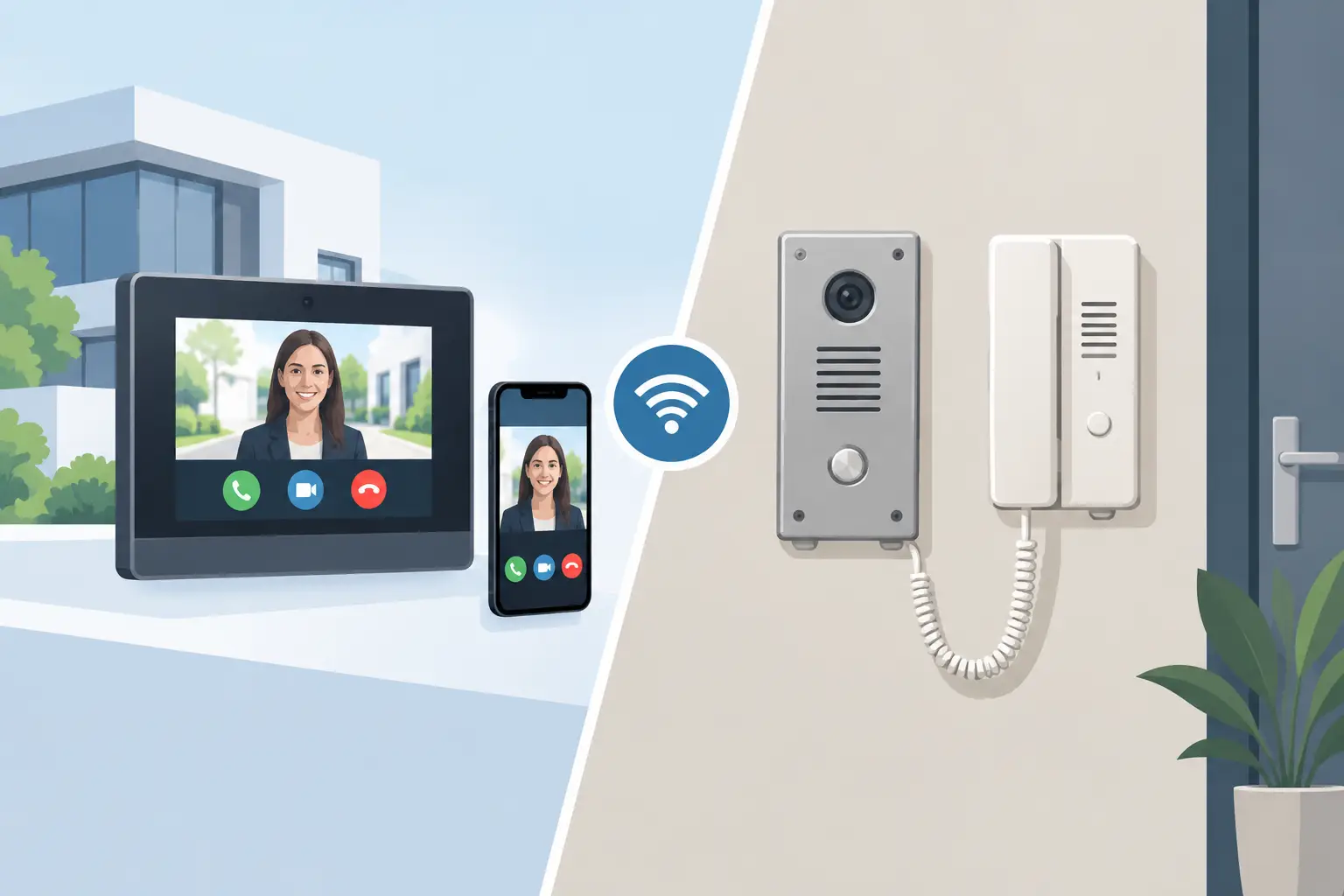
IP Intercom vs Analogue Intercom: Which Fits?
Compare IP intercom vs analogue intercom systems for homes, flats and businesses. Understand wiring, remote access, costs and the right fit for your site.
How to Protect Vacant Property From Intruders
Learn how to protect vacant property with practical CCTV, lighting, access and inspection measures that deter intrusion and reveal on-site problems early.

Commercial CCTV Installation Guide for UK Sites
Our commercial CCTV installation guide explains how to plan cameras, protect privacy and achieve clear evidence with reliable professional support on site.

CCTV for Nurseries: What Good Security Looks Like
CCTV installation for nursery security: camera placement, night coverage, entry control, privacy rules and how to choose a reliable installer for safeguarding.

Wired vs Wireless Alarm Systems
Compare wired vs wireless alarm systems for homes and businesses. See the real trade-offs in reliability, installation, upkeep and cost.

CCTV Installer Chorley: What Good Looks Like
Choosing a cctv installer chorley? Learn what a proper survey covers, the kit that matters, and how to avoid poor night footage and weak deterrence.

Remote Monitoring Systems That Put You in Control
Remote monitoring systems give homeowners and businesses live visibility, faster alerts and practical control over CCTV, alarms and access points daily.