
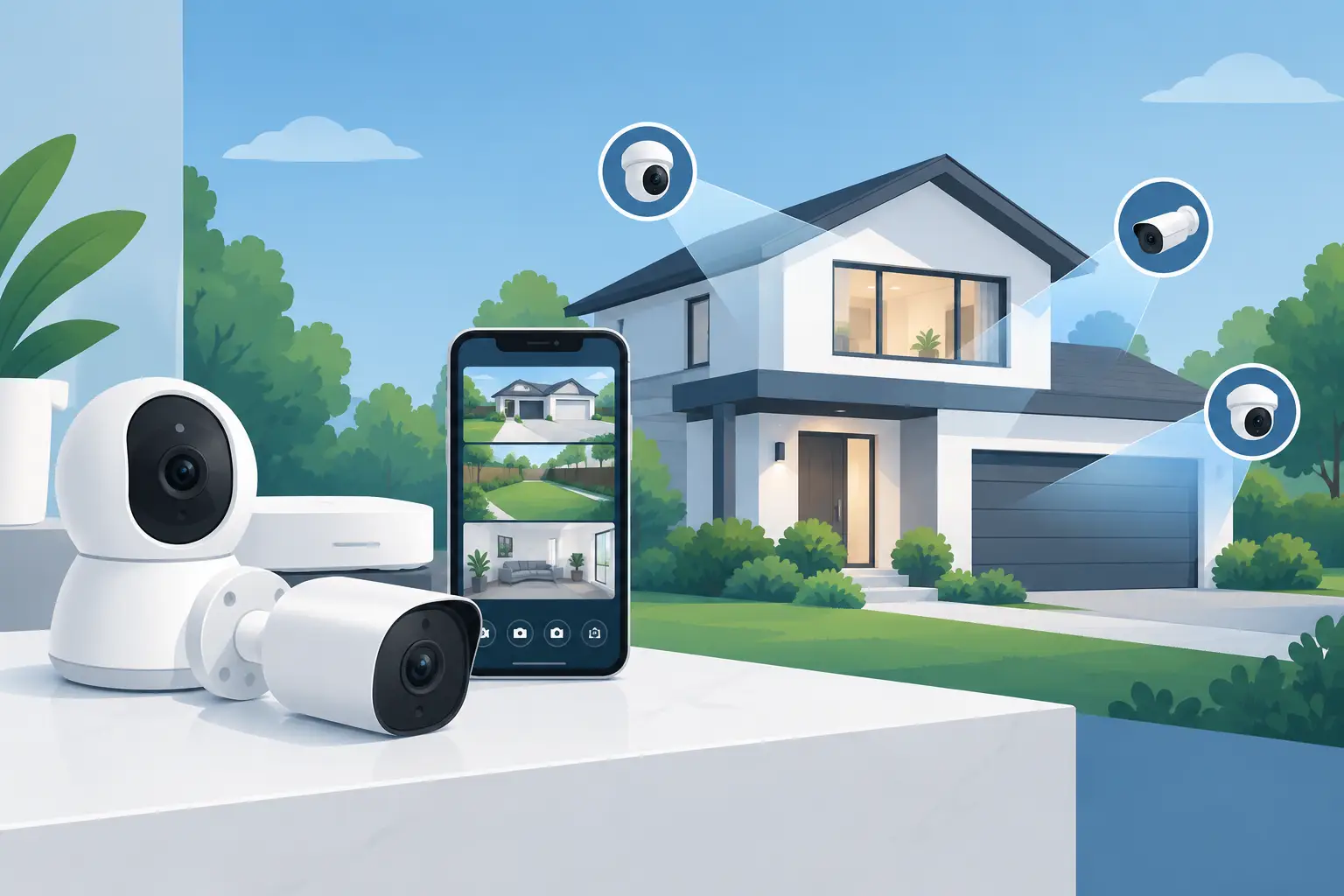


Make home CCTV selection straightforward. Learn how camera placement, night coverage, recording and professional installation protect your property daily.
Your Guide to Wireless Alarm Installation

A wireless alarm should do more than make a noise after an intruder has entered. It should detect the right activity early, alert the right people and give you clear control whether you are at home, at work or away. This guide to wireless alarm installation explains how to plan a dependable system around your property, rather than choosing a box of devices and hoping it fits.
Start with the risks, not the alarm kit
Every property has different pressure points. A family home may need protection for a rear patio door, ground-floor windows and an attached garage. An office may need controlled opening and closing, protection for stock areas and an alarm response plan for staff. A landlord or facilities manager may also need to consider shared entrances, vacant periods and who is authorised to manage the system.
Walk the site as an intruder would. Look for concealed approaches, poorly lit boundaries, vulnerable doors, accessible windows and routes between an entry point and valuables. Then consider how the building is used. A sensor that works well in an empty office can create unwanted activations in a busy area with pets, staff or changing temperatures.
A professional site survey turns these observations into a sensible design. It prevents two common mistakes: under-protecting the most likely entry route, or fitting unnecessary devices simply because they were included in a package.
How wireless alarm installation works
A wireless intruder alarm uses battery-powered devices that communicate by encrypted radio signal with a central hub or control panel. Typical devices include door contacts, motion detectors, keypads, internal sirens and external sounders. The hub sends alerts through an app and, depending on the set-up, may use broadband, Ethernet and mobile data communication paths.
Wireless does not mean there are no practical installation requirements. The hub and external sounder may require a mains supply, and every device must be positioned within reliable radio range. Batteries need monitoring and replacement at the appropriate time. The system also needs professional configuration: user permissions, entry and exit delays, notification rules, tamper protection and communication backup all affect how well it performs.
A quality wireless system is particularly useful where running new cables would damage finished décor, disrupt business activity or be difficult in a listed or complex building. A wired system can still be the better choice for a major refurbishment, a new build or a large site with challenging radio conditions. The right answer depends on the building and the level of protection required.
Plan each detection layer carefully
Good alarm design combines perimeter protection with internal detection. A door contact can alert you as soon as a protected door opens, while a motion detector covers the room or route an intruder is likely to take afterwards. This layered approach gives stronger coverage than relying on one detector in one location.
Protect doors and accessible openings
External doors, patio doors, garage doors and accessible ground-floor windows should be assessed first. Contacts are discreet and effective, but they must be fitted accurately so that the sensor and magnet align correctly when the opening is closed. A contact on a rarely used back door can be more valuable than another motion detector in a well-covered hallway.
For commercial premises, include emergency exits, delivery doors and internal doors leading to restricted stock or server areas where appropriate. The alarm design should support daily operations, not make opening up and locking down harder for authorised staff.
Position motion detectors for real movement
Motion detectors should cover likely routes through a property, such as hallways, reception areas, stairways and rooms containing higher-value equipment. They should not be aimed at heat sources, direct sunlight, moving blinds or areas where airflow may cause unstable conditions.
Pet-friendly detectors can reduce false alarms, but they are not a universal solution. Their suitability depends on the animal’s size, behaviour and access to furniture or stairs. A large dog that can jump onto a sofa may enter a detector’s active area differently from a smaller pet at floor level. This is one reason placement should be checked on site rather than guessed remotely.
Make the alarm visible where it counts
An external sounder is a clear deterrent and helps draw attention to an active alarm. It should be placed high enough to resist interference, while remaining visible from the street or approach route where possible. Internal sounders add pressure inside the building and can alert occupants quickly.
For higher-risk areas, an alarm can work alongside CCTV and smart illumination. Intrusion-triggered lighting can improve colour night coverage, while cameras provide useful visual verification of what caused an alert. These systems should be designed together, not treated as separate purchases.
Choose communication that remains available
An app alert is only useful if the hub can send it. A well-specified system should consider what happens when broadband fails, a router is switched off or power is interrupted. Dual-path communication, using a primary internet connection with a mobile data backup, provides greater reassurance than relying on Wi-Fi alone.
The hub should also have battery backup so that it continues operating during a power cut. Ask how long backup power is expected to last, who receives fault notifications and whether the system reports a lost connection promptly. For a business, decide whether alerts go to one keyholder or a small authorised group. Too many recipients can create confusion; too few can leave a genuine incident unanswered.
Do not overlook signal testing. Thick walls, foil-backed insulation, metal shutters and large plant rooms can affect wireless performance. An installer should test communication from every proposed device location before signing off the design.
Set up users, routines and response before handover
The best alarm is one people can use confidently. Set up named users rather than sharing one code across a household or team. Individual access makes it easier to remove permissions when a tenant moves out or an employee leaves. Keypads, fobs, app access and, where suitable, panic functions should match the people using the property.
Consider everyday routines in advance. How long should the entry delay be for someone arriving through the main door? Which areas need to remain active overnight? Does a cleaner, dog walker or contractor need limited access at particular times? A good configuration makes arming and disarming straightforward without weakening security.
For commercial properties, document the response plan. Staff should know who checks an alarm notification, who attends the premises, and when the police, security provider or emergency services should be contacted. An alarm event is stressful enough without needing to decide responsibilities in the moment.
Installation standards and insurance questions
If your insurer specifies an alarm grade, monitoring requirement or particular standard, establish this before equipment is chosen. The insurer may require evidence of installation, maintenance or a monitored response arrangement. Requirements vary, particularly for commercial premises, high-value contents and unoccupied buildings.
It is also worth distinguishing an intruder alarm from a fire alarm. They serve different purposes, use different detection methods and may carry different obligations for a business or managed property. Do not assume that a wireless intruder alarm can replace an appropriate fire detection and warning system.
Professional installation brings accountability beyond fitting the devices. The installer should explain the system, test each component, demonstrate normal use and provide clear information on batteries, maintenance and support. Keep records of user changes, service visits and any recurring faults. They can reveal an issue with a device location or building condition before it becomes a security gap.
Keep the system dependable after installation
Wireless alarms need light but regular attention. Test the alarm and app notifications periodically, keep the hub’s software current, and respond to low-battery or communication warnings rather than silencing them. Check that door contacts still align after doors are adjusted, redecorated or replaced.
After any change to the property, revisit the design. A new extension, converted garage, partition wall or change in how a room is used can alter both the risk and the radio path. The same applies when a business changes layout, brings in new stock or adds staff.
NRI Security approaches wireless alarm installation as a planned protection system, supported by a free site survey, clear quotation and after-sales help. The most useful next step is not to choose the most devices. It is to identify the moments that would leave your property exposed, then put reliable detection and clear control exactly where they are needed.

Best Access Control for Nurseries
Find the best access control for nurseries with practical advice on door entry, credentials, safeguarding, CCTV integration and daily usability.

Best CCTV for Detached Houses in 2026
Choosing the best cctv for detached houses comes down to coverage, lighting, recording and install. Get a clear, practical spec that fits.

Best Video Door Entry Monitors for UK Properties
Compare the best video door entry monitors for homes, flats and workplaces, with clear advice on screens, POE, access control and installation choices.

Guide to Commercial Access Control
A practical guide to commercial access control, covering entry methods, system design, user management, compliance and long-term reliability.

How Long Should CCTV Recordings Be Kept?
How long should CCTV recordings be kept? Learn the right retention period for homes, landlords and businesses, with practical UK guidance.

How to Secure Shared Entrances Properly
Learn how to secure shared entrances with the right door entry, CCTV, lighting and access control for flats, offices and managed buildings.

Wireless Alarm App Control Guide
Wireless alarm app control guide for homes and businesses. Learn setup, permissions, alerts, and remote use without losing reliability or control.

IP Video Door Entry Installation That Works First Time
Planning ip video door entry system installation? Learn what to specify, where installs fail, and how to get reliable entry control in GB properties.

CCTV vs Intruder Alarm: Which Do You Need?
CCTV vs intruder alarm – understand what each system does, where it works best, and when combining both gives stronger protection and control.

Access Control That Fits the Way You Work
Access control helps you manage who enters, when, and how. See what matters most for homes, offices, flats, and managed buildings.

PoE Cameras vs WiFi Cameras: Which Fits?
PoE cameras vs WiFi cameras – compare reliability, image quality, installation and cost to choose the right CCTV setup for home or business.